Phishing sites are the destination where credential theft, payment fraud, and session hijacking actually happen. They impersonate brands, drain customer accounts, and erode trust in the companies they spoof. The longer a phishing site stays online, the more damage it causes: victims lose money, your support team sees a surge in tickets, and the brand absorbs the fallout even after the site comes down.
Effective phishing site takedown shrinks that exposure window between when a site goes live and when it comes down.
The takedown process pulls the site offline at the registrar or hosting provider and blocks it in major browsers. The takedown also kills the ads, social posts, and messaging lures driving traffic to it, and monitors for the same operator's next attempt.
This guide walks through a step-by-step process for taking phishing sites and how automated phishing site takedowns compress the response window from days to hours.
Key Takeaways
- Phishing site takedown is a multi-channel operation across the registrar, hosting provider, browser blocklists, ad networks, social platforms, and messaging apps.
- A complete takedown runs through six steps, from collecting evidence to filing takedown requests to monitoring for re-hosting and repeat infrastructure.
- Manual takedown doesn't scale against industrialized phishing because attackers run multi-channel campaigns that move faster than sequential manual responses.
- Automation and campaign-level correlation compress the response window from days to hours, making phishing campaigns economically unsustainable for attackers.
How Phishing Sites Have Evolved Beyond Simple Fake Login Pages
Phishing sites today look nothing like the typo-ridden bank clones of a decade ago. Attackers now register lookalike domains in coordinated bursts, deploy professionally designed kits with valid SSL certificates, and drive traffic through paid ads, SEO poisoning, and SMS lures, among others.
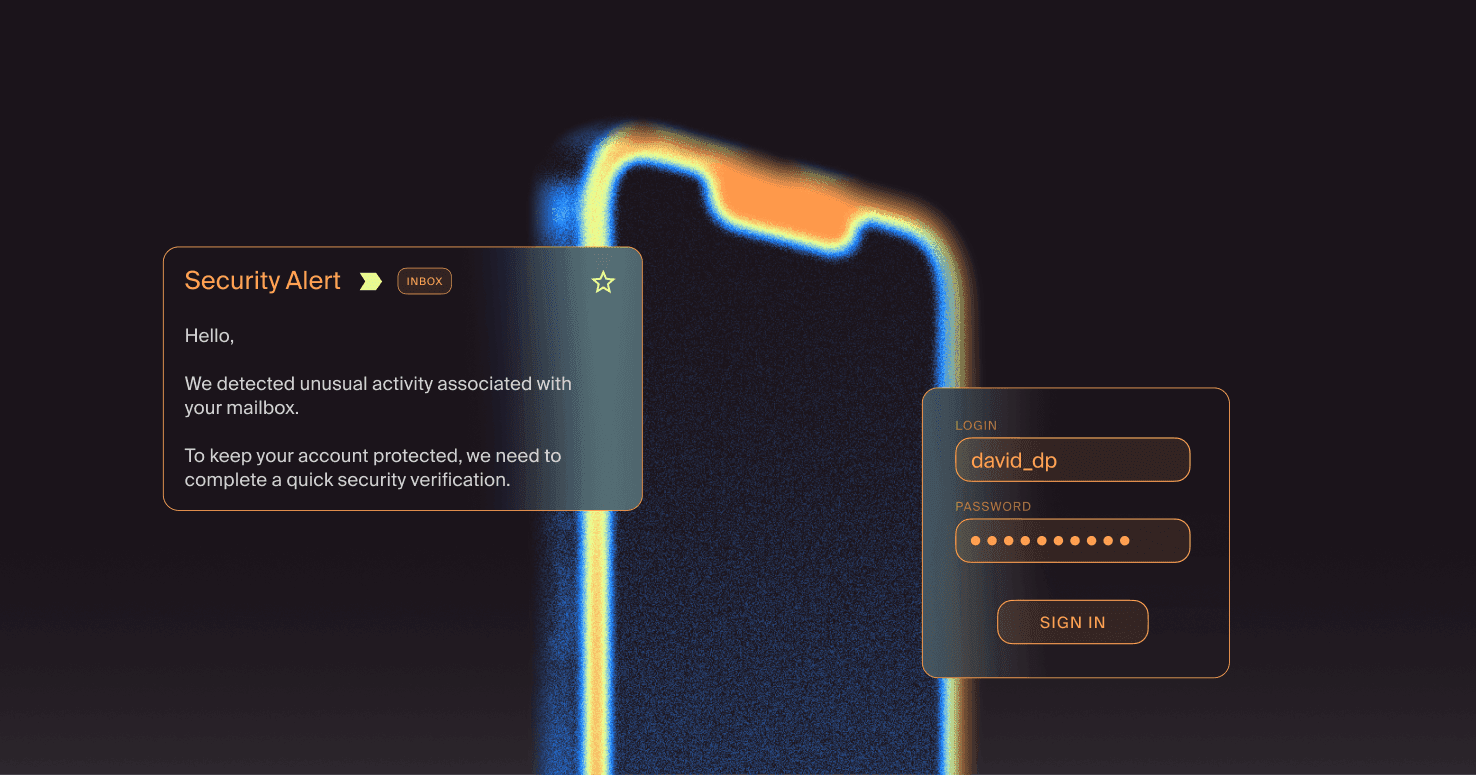
Modern phishing pages proxy live authentication sessions, intercept multi-factor codes, and steal session cookies, thereby bypassing MFA entirely. Pretexting warms victims up before they ever land on the page, so the site itself only has to look legitimate for a few seconds to convert.
Knowing which variant you're dealing with determines which takedown channels you escalate to first and which internal response actions you run in parallel.
Types of Phishing Sites to Report
- Credential harvesting pages. Static or semi-static clones of legitimate login portals hosted on lookalike domains. The attacker captures credentials and often redirects victims to the legitimate service, so they never realize the theft happened.
- Fake e-commerce storefronts. Fully attacker-controlled sites that mimic a brand's checkout flow on a lookalike domain (for example, a fake "Nike checkout" hosted on nike-shop-pay.com). Victims enter card details and shipping information that go straight to the attacker, while the brand absorbs erosion of brand trust and customer complaints.
- Session hijacking pages. Adversary-in-the-middle (AiTM) phishing pages sit between the victim and the real login page, relaying everything the victim types to the legitimate service in real time. The victim sees the genuine login flow, completes MFA, and the attacker captures the resulting session cookie, which stays valid even after the domain comes down.
- Brand impersonation landing pages. Pages that pose as official company touchpoints, including fake support portals, fake job postings, fake refund or account-verification pages, and fake executive communications. They often don't ask for credentials directly, but they harvest PII, payment details, or trust that fuels follow-on social engineering.
Each type has a different downstream impact, but the evidence-gathering and reporting workflow below applies to all of them.
A Practical Guide to Phishing Site Takedown
The takedown process runs through six steps. Step 1 (evidence collection) has to come first because every downstream channel depends on it. However, steps 2 through 6 should run in parallel wherever possible, because speed compounds and attackers don't wait for you to finish one channel before moving to the next.
Step 1: Collect Evidence About the Phishing Site Before Filing Reports
Every takedown channel requires a specific set of evidence, and gathering it in the wrong order is a common reason providers reject or delay requests.
- Capture the URL, IP, hostname, and screenshots with timestamps. Record the full phishing URL, including path, query strings, and fragments. Also, resolve all DNS records, and take full-page screenshots showing both page content and the address bar. It also helps to hash the HTML source with SHA-256.
- Document the trademark or brand element being infringed. Prepare trademark registration evidence and brand comparison documentation. If a phishing email delivered the lure, preserve the full email with complete headers in raw .eml format.
- Preserve WHOIS, DNS, and hosting records before they change. Run both domain WHOIS and IP block WHOIS lookups as your first move. Then submit DNS abuse complaints (opens in new tab) to the registrar, registry, and ICANN through their respective processes.
Step 2: Submit a Takedown Request to the Registrar
The registrar controls the domain itself and is the highest-impact point in the takedown chain, but response times vary widely depending on the abuse policy.
- Identify the registrar from WHOIS and the ICANN lookup. Start at the ICANN Lookup Tool (opens in new tab). Extract the registrar's name and the abuse contact email. Verify the TLD type at db.icann.org. ICANN enforces contractual abuse obligations for gTLD registrars (.com, .net, .org), while ccTLD domains follow their own authorities and processes.
- Write an abuse report citing specific policy violations. Include the exact domain name, specific URLs with the abuse, and provide full phishing email headers, if available. You should also write a clear description of the harm and be specific about the brand the attacker is impersonating.
- Escalate through ICANN when the registrar is slow or unresponsive. Give the registrar a reasonable window to review first, because ICANN evaluates complaints on a case-by-case basis and doesn't publish a required waiting period. File at the ICANN complaint portal (opens in new tab) and select the DNS-abuse complaint option.
Step 3: Escalate to the Hosting Provider
If the registrar acts but the site stays up, the next escalation is the hosting provider. Taking the site offline at the host removes the immediate harm even while the domain remains registered.
- Identify the hosting provider from the IP address and the reverse DNS record. Resolve the phishing domain to its IP address, then run WHOIS directly against that IP to extract the network owner, abuse-mailbox field, and ASN. When the IP resolves to a CDN like Cloudflare, the CDN acts as a reverse proxy, and its WHOIS records point to the CDN rather than the origin.
- File an abuse report referencing the host's Acceptable Use Policy. Send the report to the provider's abuse contact (check the RFC 2142 standard abuse@ address, the WHOIS abuse-mailbox field, or the provider's web form). Include defanged domain names and URLs, screenshots, full HTTP headers, and brand impersonation evidence, including trademark owner information.
- Route around hosts in jurisdictions with weak abuse enforcement. Some providers simply don't act on abuse reports. When you identify one, escalate to the upstream transit provider you can identify through BGP routing tools and submit the phishing URL to Spamhaus (opens in new tab). If the provider remains unresponsive, escalate to FBI IC3 (opens in new tab) or the national CERT (opens in new tab) of the hosting country.
Step 4: Submit the Site to Browser Blocklists and Anti-Phishing Feeds
Browser blocklists protect users while the site is still live, so they should run in parallel with requests to the registrar and host.
- Submit to Google Safe Browsing. Use the manual report form (opens in new tab) for single URLs. For volume submissions, the Web Risk Submission API (opens in new tab) supports structured metadata, including abuse subtype and targeted brand fields. Safe Browsing protects users across Chrome, Firefox, and Safari.
- Submit to Microsoft SmartScreen. The SmartScreen submission form (opens in new tab) accepts one URL at a time via the Edge feedback flow. The public web form offers no documented option to bulk-report campaign submissions via URL without API access.
- Report through APWG and industry anti-phishing feeds. Forward phishing emails as attachments to [email protected]. APWG members feed submissions into the eCrime eXchange, which reaches registrar and hosting provider member organizations for direct action.
Step 5: Take Down the Distribution Channels Driving Traffic
A phishing campaign is the landing page plus the social posts, paid ads, search results, and messaging lures sending victims to it. Those distribution channels are active parts of the threat, and you need to report them alongside the phishing site itself.
- Report phishing on Meta, X, LinkedIn, and TikTok. Meta's Brand Rights Protection (opens in new tab) portal offers bulk reporting, violation categorization, and a searchable reports dashboard. For X, LinkedIn, and TikTok, follow each platform's official impersonation reporting channels.
- Report malicious ads on Google and Microsoft ad networks. For a Google ad, use Google's in-ad reporting options if available, or file trademark complaints through Google's trademark reporting process. For Microsoft Advertising, use the "Report this ad" option on Bing search results or submit through the Microsoft Advertising support portal.
- Remove phishing results from Google Search. For organic phishing results, submit the URL to Google Safe Browsing (opens in new tab) separately from any ad reports. File spam reports about Google Search results using Google's spam report form for issues like spam, paid links, and malicious behavior.
- Report phishing SMS and messaging lures. Forward phishing SMS to 7726 (opens in new tab). Report WhatsApp phishing through in-app reporting (tap More Options on the chat, then Report). Report Telegram lures via in-app reporting or by emailing [email protected] with the username, Chat ID, and screenshots.
Step 6: Monitor for Re-Hosting and Repeat Infrastructure
A successful takedown should kick off continued monitoring for repeat infrastructure. The same attacker often re-registers similar domains and re-hosts the same kit soon after removal.
- Watch for lookalike domain re-registration. Attackers pre-register domain inventories in coordinated bursts, deliberately concentrating registrations at registrars with documented slow abuse response. Domain metadata alone can help predict which newly registered domains registrars will later suspend for abuse.
- Detect the same phishing kit reappearing at a new URL. Kit fingerprints, including JavaScript identifiers, backend API structures, and bundle naming conventions, persist across domain re-registration and re-hosting. Tracking the IP infrastructure behind phishing domains provides a more stable monitoring signal than domain tracking alone.
- Tie repeat attempts back to the original campaign. Infrastructure-level correlation links repeat attempts back to the original operator. Attackers increasingly use legitimate CDN and platform-as-a-service providers for rapid redeployment, which makes correlation across hosting characteristics more important than chasing individual domains.
Why Manual Phishing Site Takedown Doesn't Scale
The manual takedown process works at low volume but breaks down under sustained campaign pressure. Four structural reasons drive that failure:
- Attackers spin up new phishing domains in minutes. Pre-registered domain inventories and replacement phishing kits deploy faster than manual response workflows can move, so by the time you've finished one takedown, the next site is already live.
- Each takedown channel has its own queue, format, and response window. Reporters still submit phishing complaints in inconsistent formats to registrars and registries, and each provider maintains its own evidence requirements and submission portal.
- Multi-channel campaigns overwhelm sequential manual processes. A single campaign can run as a fake login page, paid ad, spoofed social profiles, and SMS lures simultaneously, so sequential manual response leaves three channels active while you work the fourth.
- Manual takedown leaves connected infrastructure standing. Filing separate reports for each URL ignores the shared infrastructure that connects them, so the campaign's remaining domain inventory and reusable kit remain intact and ready to redeploy.
The net effect is a permanent mismatch: every manual takedown buys hours while attackers operate in minutes, and that mismatch compounds with every additional channel and campaign. Closing it requires moving the parts of the workflow that don't need human judgment out of the human queue entirely.
How Automated Phishing Site Takedown Compresses the Response Window
Automated phishing takedown compresses the response window from days to hours, and in some cases to minutes, by removing the human queue from work that doesn't need human judgment. Three capabilities drive that compression.
Earlier Detection Starts the Takedown Clock Sooner
Automated detection pipelines continuously ingest signals across newly registered domains, social media, ad networks, messaging platforms, and DNS infrastructure, surfacing phishing sites before customers report them.
The earlier you detect a site, the earlier the takedown clock starts, and the smaller the exposure window becomes. For example, while traditional takedown solutions leave brands exposed for several days, Doppel achieves a median takedown time of under 10 hours for domains, social media profiles, and paid advertisements.
Pre-Approved API Workflows Bypass the Public Abuse Queue
Automated platforms route takedown requests through trusted, pre-approved workflows with registrars, hosting providers, ad networks, and social platforms, bypassing the public abuse-inbox queue that everyone else waits in. When a request stalls, automated retry and escalation paths trigger upstream contacts without requiring an analyst to follow up.
Campaign-Level Correlation Takes Down Connected Infrastructure in One Action
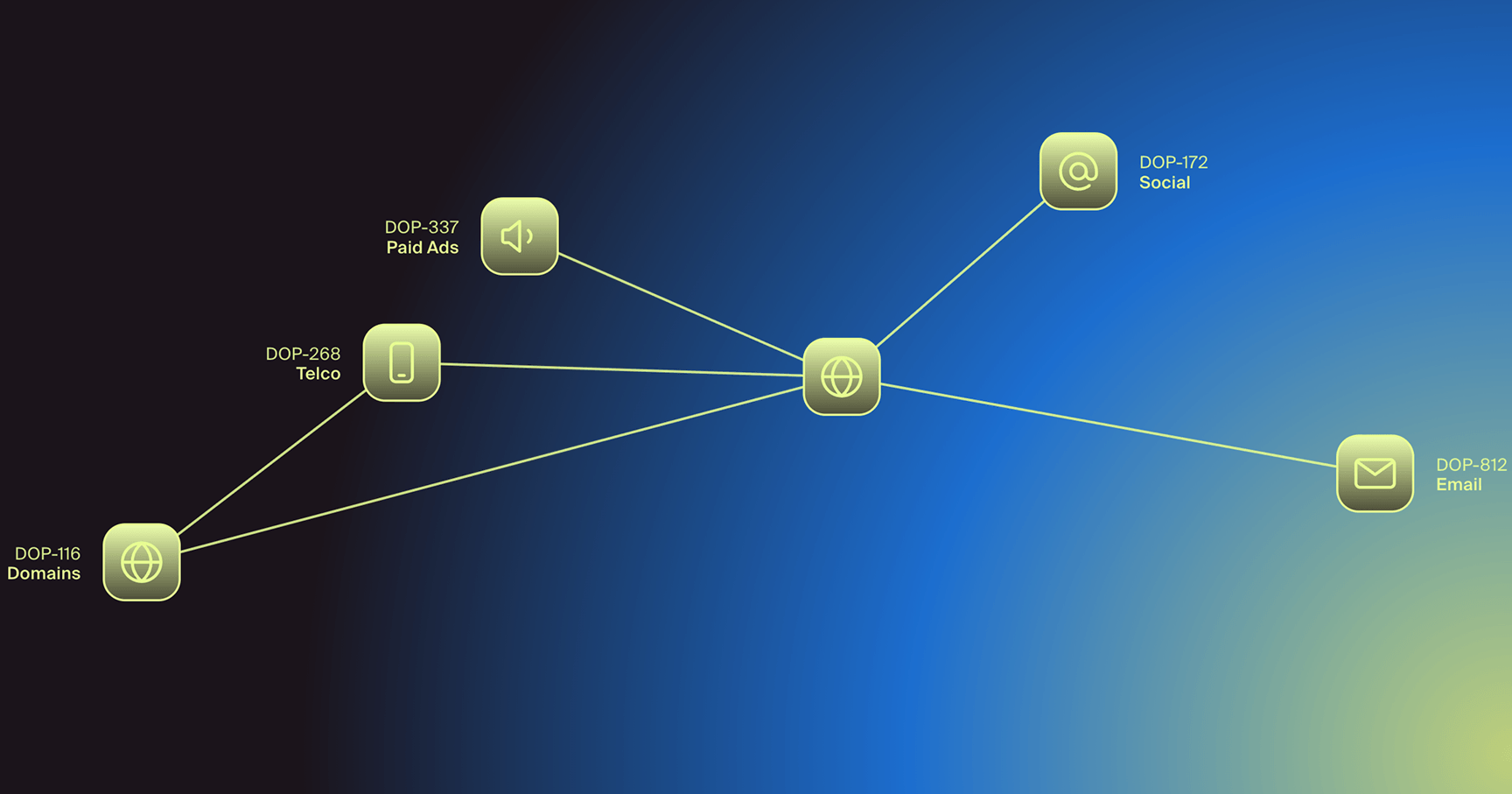
Campaign-level correlation identifies shared infrastructure characteristics across newly registered domains, including registrar patterns, hosting ASNs, SSL certificate issuers, and HTML template fingerprints, and submits bulk takedown requests across an entire campaign in a single operation. Instead of one URL down and twenty more live, the connected infrastructure goes down together.
How Doppel Runs Phishing Site Takedown at Scale
Doppel is the AI-native Social Engineering Defense (SED) platform that dismantles attackers’ phishing infrastructure at the source. Phishing sites rarely operate alone; they sit within broader campaigns that span lookalike domains, fake social profiles, scam ads, and messaging lures.
The Doppel Threat Graph correlates those signals into a single view of the attacker's full operation rather than treating each artifact as an isolated incident. Once the Threat Graph clusters threats into a single campaign, Doppel uses agentic AI to:
- Correlate and prioritize connected threats across spoofed domains, fake profiles, scam ads, and messaging lures, so analysts see the entire campaign as one operation rather than a stream of unrelated tickets.
- Execute takedowns across every relevant channel, including registrars, hosts, social platforms, ad networks, and telcos, using pre-approved API and partner workflows that bypass public abuse queues.
- Route only novel or escalated cases to analysts who can apply human judgment where it matters, instead of burning analyst hours on routine submissions.
- Protectbrand reputation by detecting and dismantling impersonation threats across channels before customers encounter them.
Together, these capabilities turn isolated takedown tickets into a coordinated response against a single adversary. Campaigns lose their distribution, their domain inventory, and their kit reuse in one motion, and the analyst hours that would have gone into filing forms shift to the threats that actually need human judgment.
Take Phishing Sites Offline as Fast as They Go Live
Phishing site takedown is an infrastructure problem, and infrastructure problems scale through automation and direct integrations rather than more analysts filing more tickets.
Attackers have industrialized their operations through pre-registered domain inventories, kit reuse, and channel-hopping. The phishing campaigns that fail are the ones that hit automated resistance at every channel, every time, until the economics no longer work for the attacker.
Request a demo to see how Doppel dismantles phishing infrastructure and takes down phishing campaigns across every channel in a single action.