Attackers love a deadline. HR supplies a very real one every fall.
For many employers, benefits open enrollment lands in October or November. Employees expect plan comparisons, contribution reminders, login links, vendor emails, and a firm closing date. They also expect at least one message that makes them wonder whether “coinsurance” was invented as a prank.
That mixture of urgency and confusion creates excellent cover for phishing. “Your 401(k) contribution failed.” “Re-verify your health plan.” “Final day to enroll.” Each message fits the season, asks for a plausible action, and can lead naturally to a login page or a call with a supposed benefits representative.
Most awareness programs treat phishing as a year-round category. Open enrollment deserves its own rehearsal because attackers aren’t imitating a random business process. They’re stepping into a live one, with a deadline employees can’t simply ignore.
Why open enrollment is such good phishing bait
The strongest lures borrow context the target already believes. Open enrollment arrives with plenty of it.
- The deadline is real. Employees know they may lose coverage choices or wait another year if they miss the window. A fake “last chance” message doesn’t have to manufacture urgency from scratch.
- Logging in is expected. Benefits enrollment typically involves a portal, an identity check, personal information, and unfamiliar screens. A credential prompt doesn’t feel out of place.
- The data is valuable. Benefits accounts can expose Social Security numbers, addresses, dependents, compensation details, health information, retirement balances, and bank or beneficiary data.
- Several vendors may be involved. Carriers, brokers, payroll platforms, retirement providers, wellness vendors, and HR teams all send messages. Employees may not know which domain belongs to whom.
- Message volume is high. A fake reminder can hide among legitimate announcements, calendar nudges, webinars, plan summaries, and follow-ups.
- Questions are normal. Employees expect to contact a benefits helpdesk when plan language gets murky. That makes a follow-up call or chat message feel helpful, not suspicious.
The seasonal timing gives the attacker credibility before the first sentence. A generic password-reset lure has to create a problem. An open enrollment lure only has to claim there’s a problem inside a process that’s already happening.
The lures employees are likely to see
The best open enrollment phish usually isn’t flashy. It sounds administrative, mildly inconvenient, and important enough to handle before lunch. Recent campaigns have used fake “benefits review” notices that send employees to copied login pages, sometimes wrapped in language about secure documents or protected messages.
This table pairs common lures with the pressure they exploit and a safer path employees can use instead of following the message.
Lure | Why it works | Safer verification path |
“Your 401(k) contribution failed” | Money, payroll, and retirement losses feel immediate | Open the saved retirement portal or call the number on a prior statement |
“Re-verify your health plan” | Employees expect identity and dependent checks during enrollment | Navigate from the company intranet or benefits hub, not the message link |
“Final day to enroll” | A real deadline makes delay feel risky | Confirm the date in the HR calendar and sign in through the published portal |
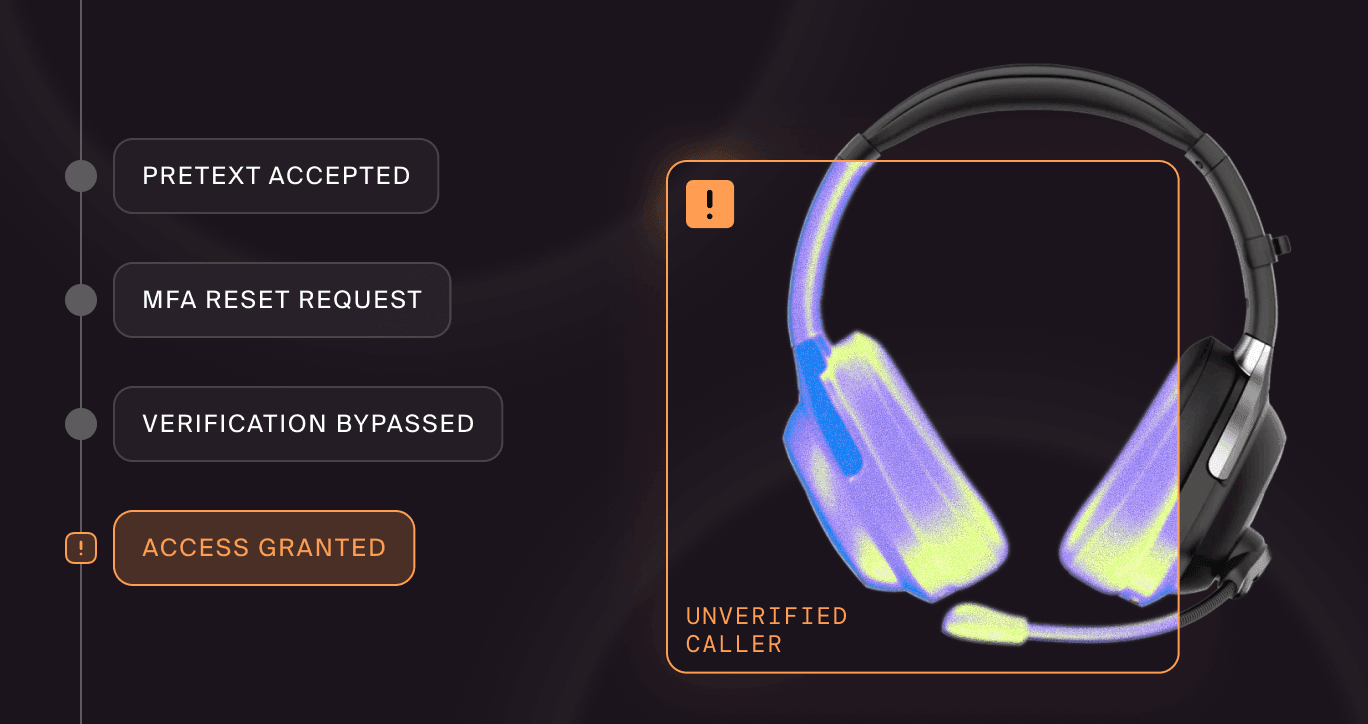
“Benefits helpdesk: we need your code” | A helpful caller can make an MFA request sound procedural | End the call and contact HR through the internal directory; never share a code |
The wording will change. The safer behavior shouldn’t. Employees need a known route to the real portal, the real deadline, and a verified HR or benefits contact. Telling them to “look for suspicious emails” is less useful when a legitimate benefits email already looks like it was assembled by three vendors and a committee.
A 2026 analysis of a Benefits Review Notice scam illustrates the pattern: An official-sounding HR message, a prominent action button, and a fake sign-in page designed to collect credentials. Other variants imitate secure-message notifications or document-sharing tools. The story changes just enough to meet the employee where they expect paperwork.
An attack rarely stays in email
Open enrollment is a workflow, so a convincing simulation should behave like one. An attacker can start with email, move into Slack or Teams, and finish with a phone call from the “benefits helpdesk.” Each channel reinforces the others.
Email creates the paper trail
The opening message may announce a plan change, a rejected contribution, a dependent-verification issue, or an expiring enrollment session. It can copy the employer’s logo, broker language, legal footer, and benefits calendar.
Email is useful because it provides the link or attachment that begins the journey. It’s also where many training programs stop. That leaves employees less prepared when the attacker follows up elsewhere.
Chat makes the request feel internal
A Slack or Teams message can appear to come from HR, a manager, or a benefits coordinator: “I saw your enrollment is still incomplete. Can you take care of it before 3 p.m.?” Even without a compromised internal account, a fake external workspace invitation or spoofed display name can add credibility.
Chat is fast, familiar, and visually compact. People inspect less context when the message looks like a routine nudge. They may also assume the platform has verified the sender, an assumption attackers are happy to borrow.
Voice closes the loop
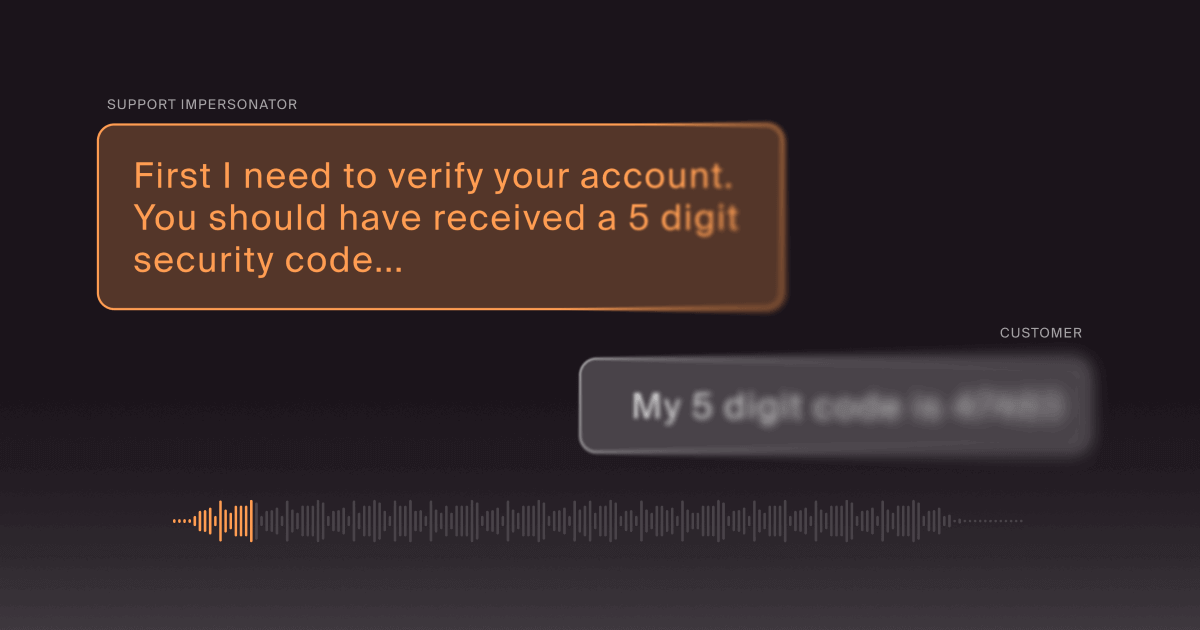
If the employee hesitates, a caller can offer to “help” with enrollment, verify a dependent, reset the portal, or resolve the failed contribution. The request may escalate from basic identity details to a password, push approval, or one-time code.
This is vishing with unusually good timing. The caller doesn’t have to invent a reason for HR to contact the employee. The organization already supplied one by opening enrollment.
Why annual awareness training misses the season
An annual course can teach durable principles, but it rarely recreates the pressure of a real enrollment window. Timing changes how people interpret a message. “Final day to enroll” in March is odd. The same subject line in late October may be completely plausible.
Generic simulations also tend to isolate the channel. Employees receive an email, click or report it, and move on. A live attacker can adapt. If the link fails, they send a chat message. If the employee asks a question, they call. If HR has announced a new carrier, they copy that carrier’s name and vocabulary.
Effective security awareness training should connect knowledge to the moment it’s most likely to be tested. Open enrollment is ideal for a short, focused campaign because the organization knows the calendar, the approved vendors, the official portal, and the expected employee actions in advance.
The exercise can teach more than “don’t click.” It can teach where to click safely, how to verify a caller, what HR will never request, and how to report a suspicious message without losing the enrollment deadline.
Build an open enrollment simulation that feels real
A useful exercise mirrors the legitimate process without confusing employees about their actual coverage. HR and security need to design it together, set guardrails, and make the safe route unmistakable during the debrief.
- Start with the real calendar. Schedule the simulation near the enrollment period, but avoid the final hours when a test could interfere with genuine decisions. Use approved dates, vendor names, and workflows as design inputs.
- Choose one believable issue. A failed contribution, missing dependent document, or incomplete plan selection is enough. Piling every benefit into one message turns a plausible lure into an HR-themed variety show.
- Add a second channel. Follow the email with a chat nudge from a supposed coordinator, or send a fake external invitation tied to the same issue. Measure whether the second touch increases trust.
- Test the helpdesk moment. Use a controlled social engineering call that asks the employee to verify the request through an approved channel. Don’t collect real passwords, MFA codes, health details, or benefits information.
- Give employees a working escape hatch. Publish the real portal, official sender domains, internal phone number, and reporting method before the season starts. A person who distrusts the lure still needs to finish enrollment.
- Debrief quickly and specifically. Show the signals in each channel, explain how the pieces reinforced one another, and repeat the verification path. A lesson delivered weeks later loses the seasonal context that made it valuable.
A multi-channel phishing simulation measures more than click rate. Track reporting speed, verification behavior, repeat exposure, and whether employees use the official portal or internal directory when they’re placed under deadline pressure.
Give employees a safer default
Training works better when the organization makes the secure action easier than the risky one. During open enrollment, that means reducing ambiguity before attackers can exploit it.
- Create one canonical benefits hub. Put the enrollment dates, portal link, approved vendors, support number, and common questions in one bookmarked internal location.
- Name the expected channels. Tell employees whether HR will send email, chat, text, postal mail, or phone reminders. Explain how outside vendors identify themselves.
- Publish the “we will never ask” list. Include passwords, one-time codes, push approvals, payment by gift card or cryptocurrency, and sensitive health details over an unsolicited call.
- Encourage independent navigation. Ask employees to use a bookmark, the intranet, or a known provider app instead of a link in a reminder. The U.S. Department of Labor’s online security guidance (opens in new tab) also recommends monitoring accounts, using strong authentication, and treating unexpected messages with care.
- Prepare HR and the service desk. Give front-line teams a fast way to validate campaigns, recognize reported lures, escalate account concerns, and share a consistent answer.
- Make reporting painless. A prominent reporting button or short workflow beats a policy that sends employees hunting through an intranet maze while the deadline clock ticks.
For organizations whose benefits choices interact with public coverage, remember that other enrollment windows may overlap. The federal Health Insurance Marketplace, for example, generally opens enrollment on November 1, with dates and deadlines published through HealthCare.gov. Attackers can borrow those public dates as readily as an employer’s internal schedule.
Train the whole workflow, not just the inbox
Open enrollment phishing works because the lure belongs in the employee’s week. The deadline is expected, the login is plausible, and the request may arrive through several channels. A once-a-year course can’t reproduce that context on demand.
Doppel’s Simulation platform helps organizations test coordinated social engineering across email, messaging, and voice, then turn the results into training grounded in the employee’s actual experience. That makes the exercise less like a pop quiz and more like practice for the workflow an attacker will copy.
The goal isn’t to make employees suspicious of every HR message until payroll sends a search party. It’s to give them a dependable verification route and enough practice to use it when an urgent benefits request lands at exactly the right time.
Would your employees verify an urgent benefits request that jumps from email to chat to phone? Request a Doppel demo to test the full workflow.