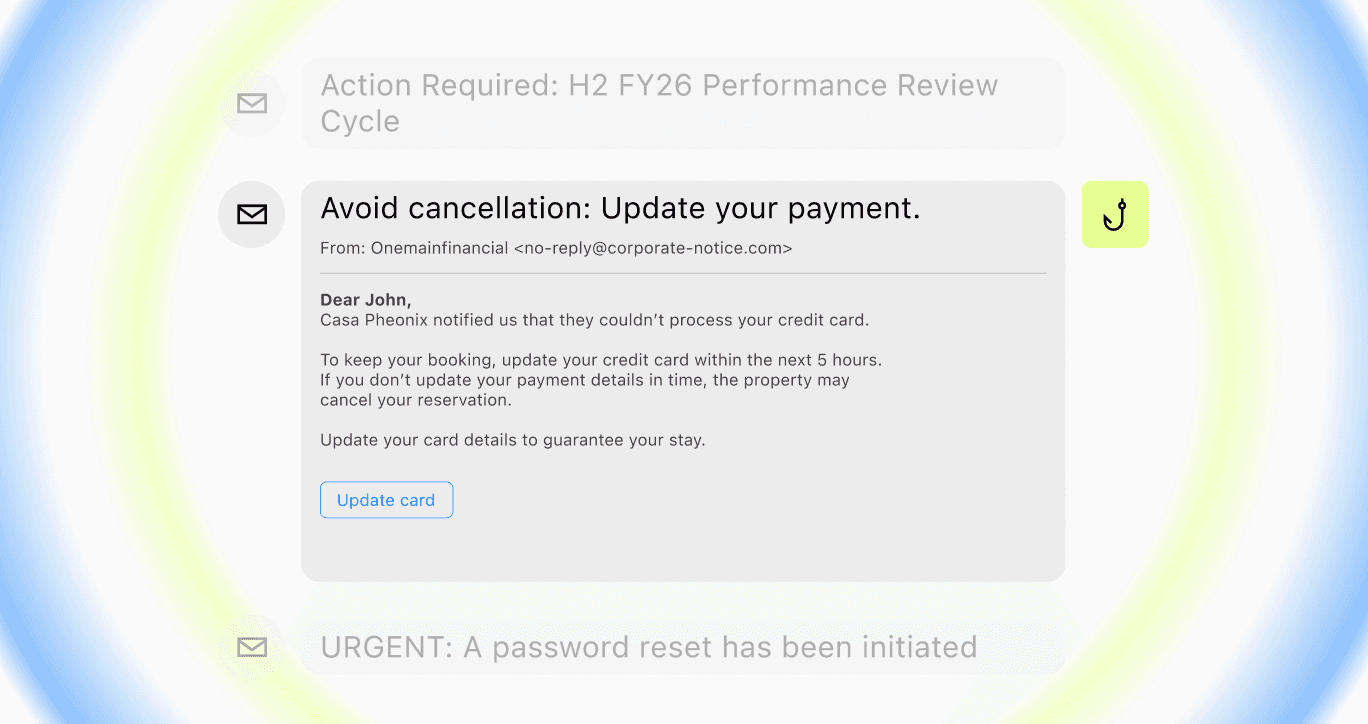
Before a phishing email lands, attackers register lookalike domains, clone executive profiles, and script calls to the helpdesk. Email remains one of the main entry points into many organizations, but generative AI has changed what comes through it. Attackers now produce cleaner lures at scale, with fewer of the tells defenders once relied on.
That gap is why business email compromise, account takeover, and credential theft keep landing against teams that secure the inbox and stop there.
The scale is no longer abstract. AI-automated phishing emails achieved 54% click-through rates (opens in new tab), compared to 12% for standard attempts (opens in new tab). Email security in 2026 needs authentication, access controls, detection, human-layer practice, and campaign-level visibility beyond what the inbox can see.
Key Takeaways
-
Authenticate your sending domains with SPF, DKIM, and DMARC, then move DMARC toward quarantine or reject enforcement.
-
Require phishing-resistant MFA and close legacy authentication paths attackers probe after modern login flows are locked down.
-
Keep native and gateway filtering in place, then layer behavioral and language-aware detection for novel, well-written lures.
-
Treat BEC as a workflow problem: verify payment changes out of band, remove single-person authority, and flag risky sender context.
-
Extend defense beyond the inbox by monitoring lookalike domains, impersonation infrastructure, voice, SMS, and collaboration channels.
These controls move email defense from message filtering to campaign disruption.
1. Authenticate Your Domain With SPF, DKIM, and DMARC
Email authentication lets receiving servers reject mail that fails the check, and it is the baseline every later control assumes is in place.
Authentication shuts down direct domain spoofing first.
2. Require Phishing-Resistant MFA on Email and Identity
Multi-factor authentication blocks the takeover a stolen password enables, and phishing-resistant factors close the gap that codes and push approvals leave open.
Each closed path is one fewer way a stolen credential becomes a live session.
3. Encrypt Email in Transit and at Rest
Encrypting mail flow and stored messages keeps intercepted email unreadable and narrows what a hijacked mailbox can hand over.
Encryption limits the damage when a message or mailbox is exposed.
4. Layer AI-Native Detection Over Native and Gateway Filtering
Known-threat filtering still pulls its weight, and AI-native detection on top catches the novel, well-written lures that have no signature to match.
-
Keep block-lists, reputation, and gateway filtering as the first layer, since each handles a tier of high-volume known threats that would otherwise reach mailboxes.
-
Add behavioral and language-aware detection for the well-written phishing lures (opens in new tab) AI now produces, scoring tone, intent, and sender behavior rather than content alone.
-
Ground verdicts in sender behavior and infrastructure context, and use natural-language detection policies the team can audit and edit when an attack slips through.
Layering closes the gap signature tools leave open.
5. Put Procedural Controls Around Business Email Compromise and Payment Fraud
Business email compromise uses authority and urgency to move money, and many of its messages carry no link or attachment for a filter to catch, so the controls that stop it are procedural.
These steps catch the payload-free requests a filter never sees.
6. Train Employees With Simulations Drawn From Real Attacks
Security awareness training lowers human risk only when phishing simulations mirror the live, multi-channel lures employees actually face.
Doppel is the AI-native Social Engineering Defense platform that unifies Digital Risk Protection and Human Risk Management on the Doppel Threat Graph, turning a live campaign it detects into an employee simulation in one click.
7. Make Phishing Easy to Report and Fast to Triage
A one-click report button turns every employee into a sensor, and automated triage clears the queue at machine speed before threats spread.
Feedback from the same workflow keeps reporting and response connected.
8. Limit Mailbox Access With Least Privilege and Segmentation
Tight access and controlled forwarding shrink the blast radius when an account falls and slow lateral movement.
Least privilege decides whether one compromised mailbox stays a single mailbox.
9. Build and Rehearse an Email Incident Response Plan
A documented, rehearsed plan sets how fast the team contains a confirmed phishing or account-compromise incident, so settle the steps and roles before pressure hits.
-
Define the containment sequence (compromised account steps (opens in new tab)): lock the account during active login attempts, re-provision, audit access, and remediate successful attempts.
-
Pre-authorize who can reset credentials, revoke sessions, and request takedowns, building escalation paths and CISA's no-cost analysis assistance into the playbook.
-
Run tabletop simulations (opens in new tab) with synthetic voice and video scenarios involving finance, the service desk, and executive assistants.
Rehearsal turns a written plan into a fast response.
10. Monitor for Lookalike Domains and Impersonation Infrastructure
The infrastructure behind a phish often surfaces before the message does, so watching for it gives defenders a head start.
The Threat Graph maps connected infrastructure into a campaign view, and the platform's agentic AI takes down registrars, social platforms, telcos, and ad networks in a single action.
11. Verify Identity Out of Band When Attacks Pivot to Voice, SMS, and Chat
Email attacks expand into phone, text, and collaboration tools where deepfaked voices bypass inbox controls; smishing and vishing use methods similar to spear phishing (opens in new tab).
-
Treat voice and video as spoofable by default: voice cloning draws from public audio, and attackers use AI-powered cloning (opens in new tab) to authorize transfers; in one documented incident (opens in new tab), every face on a video call was AI-generated.
-
Confirm high-risk requests through a known, separate channel, the point where deepfake social engineering stops, covering unusual requests by telephone, video, or email (opens in new tab).
-
Extend detection and simulation to SMS, voice, and collaboration tools, where the Scattered Spider playbook has attackers call the helpdesk with scraped details and reset MFA tokens (opens in new tab) to skip the inbox.
Any unusual request for money, credentials, or data should trigger verification every time.
Email security is strongest when detection, disruption, and training run on one intelligence layer that ties the inbox to the attacker infrastructure behind it. The social engineering attack chain frames the gap: setup, launch, contact, engagement, and compromise. Email tools sit at the contact stage, scoring what lands in the inbox, while setup and launch happen earlier and engagement pivots into voice, SMS, or chat.
Defenders that see only the contact stage are working with one frame of a five-frame attack.
By April 2026, email had emerged as a leading source of attacker activity against Financial Services and Fintech brands within multi-channel campaigns that also ran across social and messaging platforms.
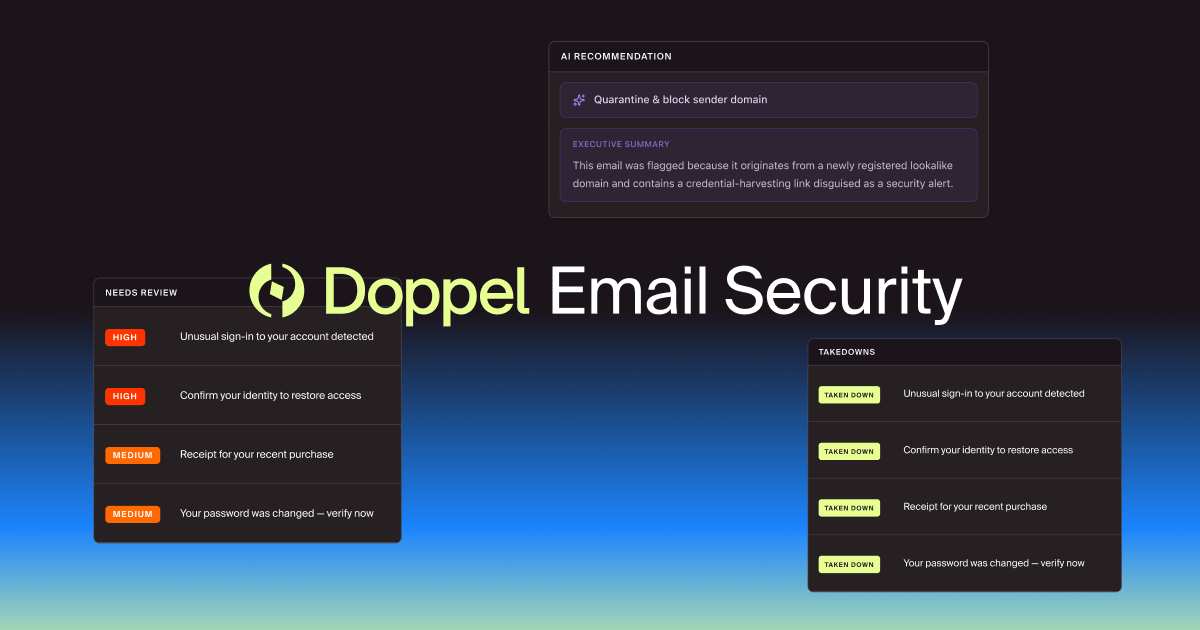
The Doppel Platform fits that model, and its forthcoming Email Security extends the same intelligence layer into the inbox: it unifies Digital Risk Protection and Human Risk Management on the Threat Graph, explains every verdict in plain language, and takes down the sending infrastructure and malicious links behind a confirmed phish.
The closed loop compounds, as a campaign disrupted today becomes a simulation employees train against tomorrow.
Judge Email Security by How Much of the Attack It Can See
The measure for email defense in 2026 is how much of the surrounding campaign it can see and disrupt. The teams that pull ahead treat every email as the visible edge of a campaign and raise the cost of the whole attack until the brand is less attractive than easier targets. Detection at the inbox without disruption at the source leaves the infrastructure standing to retarget you next week.
Request a demo to see how detection, disruption, and training run on one intelligence layer.