
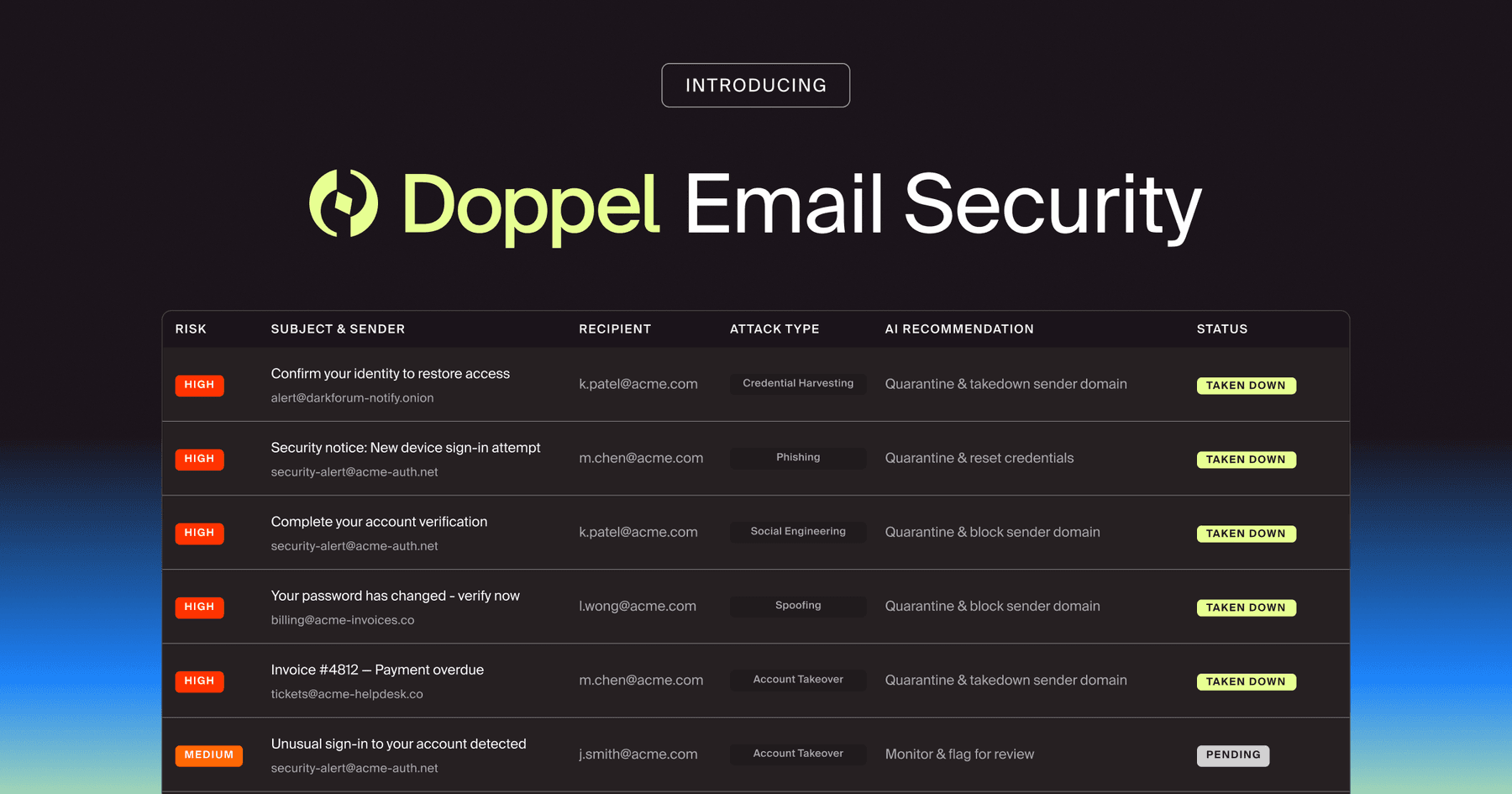
Doppel Email Security is now generally available
The agentic email security solution that empowers you to fight back against social engineering attacks. Detection isn't enough. Disruption is the difference.
Learn how to build a technical URL toolkit to automate extraction, protocol analysis, and IP pivoting. Scale your SOC workflow from manual triage to enterprise-level defense and infrastructure disruption.

by Aarsh Jawa
Every Tier 1 and Tier 2 analyst knows this challenge by heart: the exhaustion of the "manual pivot."
So much of a SOC’s time is consumed by the same 3 tasks: extracting URLs, checking HTTP vs. HTTPS behavior, and pivoting to IPs.
Many in the space have taken the initiative to reclaim their time by creating Chrome extensions to automate these tasks. URL Assistant (opens in new tab) is one great example of this.
The fact that this tool quickly grew to hundreds of daily users proves a technical truth: In the age of AI-native deception, your efficiency is limited by your toolkit. If you are looking to build or refine your own URL investigation workflow, here is the technical how-to for moving from manual clicks to systemic defense.
A toolkit is a repeatable process for deconstructing an attack.
Here are the three technical pillars mentioned in the original post that every analyst needs to master:
1. Clean Extraction and Normalization
Phishing links rarely look like malicious-site.com. They are buried in redirects, QR codes, or hidden behind URL shorteners and lookalike Unicode characters (homoglyph attacks).
Your toolkit needs to be able to defang URLs (changing http to hXXp) to prevent accidental clicks and normalize them so you can search for them across your logs (SIEM/EDR) without formatting errors.
2. Analyzing Protocol Behavior (HTTP vs. HTTPS)
Phishing links often behave differently depending on the protocol.
Attackers frequently use valid SSL/TLS certificates to create a false sense of security. However, some phishing kits are configured to serve a "404 Not Found" or a benign page over HTTP while only showing the credential harvester over HTTPS to evade simple scanners.
A good toolkit should allow you to "double-check" both behaviors safely in a sandbox.
3. The Pivot: URL → IP → Infrastructure
A URL is just a symptom. The IP is the lead.
Once you have the IP, your toolkit should help you pivot to the ASN (Autonomous System Number). Is the site hosted on a reputable cloud provider (AWS/Azure) or a bulletproof host known for harboring malware?
Moving from a single URL to a shared IP allows you to identify other malicious domains hosted on the same infrastructure.
While individual extensions are great for whack-a-mole triage, they don't solve the problem of AI-driven scale. Attackers are now using GenAI to spin up thousands of unique, multi-channel variants of the same attack.
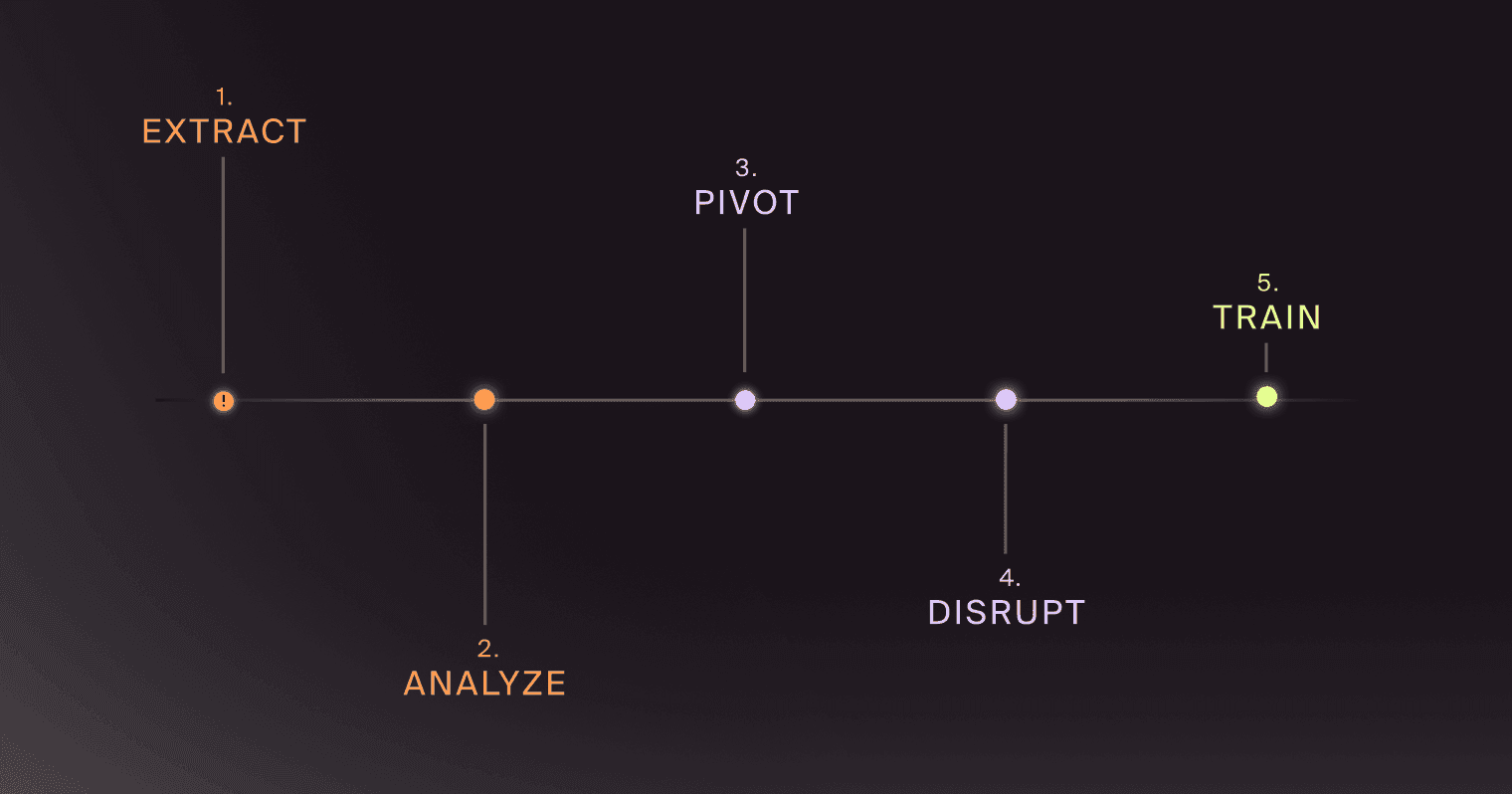
To keep up, the modern SOC is moving toward Social Engineering Defense (SED): a framework that automates the how-to steps above at scale.
Instead of having an analyst manually pivot from a URL to an IP address, Digital Risk Protection (DRP) platforms use Threat Graphs. These systems automatically ingest millions of signals to link a single suspicious URL to a wider web of social media handles, fake ads, and rogue apps.
The goal is to move from deleting a phishing email to infrastructure disruption, i.e., taking down the attacker’s entire registrar and hosting setup in one move.
The ultimate how-to for a SOC is to ensure that a threat is triaged only once. This is where (opens in new tab)Human Risk Management (HRM) comes in.
When your toolkit identifies a high-confidence phishing URL, that intelligence shouldn't just sit in a ticket. It should be looped back into your security awareness program. By turning a live, in-the-wild threat into a phishing simulation, you train your users on the exact tactics being used against them in real-time.
Whether you are using a grassroots tool like URL Assistant or an AI-native platform, the objective is the same: Reduce the time to triage.
Every second you spend manually extracting a URL is a second an attacker has to harvest a credential. Start by building a toolkit that automates your most repetitive tasks, but keep your eyes on the bigger picture: moving from investigating artifacts to dismantling the infrastructure behind them.
Looking to dive deeper into technical triage? Meet with us for a 1:1 overview.

BLOG
Doppel’s whitepaper, "Defining the Next Era of Cybersecurity: The Case for Social Engineering Defense," introduces Social Engineering Defense (SED): a transformative framework designed to confront a growing crisis.

by Doppel Team