

What Is Passwordless Authentication?
Passwordless authentication is any method of verifying a user's identity that does not require the user to type a password at login. Phishing-resistant passwordless authentication replaces a secret the user knows with a private cryptographic key, stored on the device and unlocked with a fingerprint, face scan, or PIN.
The strongest form, FIDO2/WebAuthn passkeys (opens in new tab), is also phishing-resistant because the credential responds to the domain where the user registered it.
How passwordless authentication works
A passwordless login is a challenge-response exchange built on public-key cryptography that does not transmit a shared secret from the user's device. At registration, the authenticator, which can be a laptop's secure hardware, a phone, or a hardware security key, generates an asymmetric key pair.
The private key stays on the device. The website or application, called the Relying Party (RP) in WebAuthn, receives the public key and stores it against the user's account. A breach of the RP's database exposes public keys (opens in new tab), which do not enable sign-in without the corresponding private keys.
At login, the RP generates and sends a pseudo-random challenge. The user performs a local gesture, such as a fingerprint scan or PIN entry, and the authenticator signs the challenge along with the site's origin. The RP verifies the signature with the stored public key. Because each challenge is random, capturing a response does not let an attacker replay it later (opens in new tab).
Origin binding is what makes this phishing-resistant. The credential records the domain where the user created it, and the browser reports the current origin to the authenticator; page content cannot alter that report. The authenticator offers matching-origin credentials (opens in new tab) only.
Take an employee who registers a passkey for sso.company.com. An attacker emails a link to a lookalike domain running a real-time proxy that relays entered credentials to the genuine site. The browser reports the lookalike origin, so the authenticator finds no credential and the proxy captures no reusable response.
The same lure succeeds against a password and SMS code.
Why passwordless authentication matters
Passwords paired with SMS codes, email codes, app-generated one-time passwords, hardware one-time-password tokens, or push approvals remain inherently phishable (opens in new tab). Adversary-in-the-middle (AiTM) kits such as Tycoon2FA proxy the sign-in flow and steal the session token the RP issues afterward, which bypasses SMS codes (opens in new tab) and one-time passcodes.
OTP relay bots automate the same theft over the phone, and push bombing wears users down until they tap Accept.
FIDO2 blocks that credential-relay attack path. CISA lists FIDO and WebAuthn (opens in new tab) among widely available phishing-resistant methods, and FIDO/PKI-based MFA also resist (opens in new tab) push bombing and SIM swap attacks, two techniques Scattered Spider uses.
OMB M-22-09 requires federal agencies to discontinue phishable methods for routine staff access and names SMS (opens in new tab), voice, one-time codes, and push notifications. NIST SP 800-63-4 AAL3 requirements (opens in new tab), finalized in July 2025, include a public-key authenticator with a non-exportable private key.
Financial firms should favor digital certificates and physical security keys (opens in new tab) over SMS, voice, or video authentication, since AI deepfakes can impersonate a voice or face. Microsoft began rolling out passkeys (opens in new tab) as Entra ID's default sign-in experience on September 1, 2026.
Types of passwordless authentication
Passwordless methods range from phishing-resistant cryptographic credentials to convenience methods that remain phishable:
- FIDO2 hardware security keys. Roaming authenticators that connect over USB, NFC, or Bluetooth. The key creates and stores the private key locally; manufacturers offer FIPS-certified models, and implementations that satisfy AAL3 controls can use FIDO2 to meet hardware-key requirements (opens in new tab).
- Device-bound platform passkeys. Windows Hello for Business, Face ID, and Touch ID are built-in FIDO2 authenticators. They avoid a symmetric secret (opens in new tab) an attacker could steal or phish.
- Synced passkeys. iCloud Keychain or Google Password Manager stores and replicates these credentials across a user's devices, which eases recovery. Cloud synchronization requires an exportable private key, which places them at AAL2 and excludes them (opens in new tab) from AAL3.
- Certificate-based authentication. Smart cards, PIV cards, and PKI certificates belong to this category. FIDO and PKI-based MFA are the two phishing-resistant forms (opens in new tab).
- Magic links and one-time codes. Email links and codes delivered by SMS, voice, or an authenticator app drop the password but retain a secret the user can be tricked into handing over. Authenticators that require manual entry of an output do not qualify (opens in new tab) as phishing-resistant under NIST SP 800-63B-4, ranking SMS and voice lowest.
- Push approvals and device code flows. Tapping Accept in an app or entering a code on a legitimate sign-in page removes the password from the user's hands, but leaves the attacker a lever.
Push fatigue defeats the first, and device code flow ranks as a high-risk authentication flow (opens in new tab) after Storm-2372 abused it at scale.
How to implement passwordless authentication
Passwordless secures the login ceremony. The controls around it decide whether attackers simply route around the passkey.
- Start with the accounts that hurt most. Begin with help desk and IT administrator accounts, privileged users, VPN, and cloud infrastructure, the systems most costly if compromised, then expand from there (opens in new tab).
- Remove phishable fallbacks. In August 2025, threat researcher Yaniv Miron demonstrated an Evilginx phishlet that spoofs an unsupported browser to trigger an error and push users toward SMS or app-based MFA (opens in new tab) instead of their passkey. Conditional Access authentication strength (opens in new tab) is Microsoft's enforcement response. Full prevention excludes phishable methods from login and account recovery (opens in new tab).
- Treat recovery like enrollment. Issue replacement credentials with the same scrutiny as initial credentials and have users register multiple authenticators (opens in new tab) to reduce recovery events. Drop date of birth and last four SSN digits from help desk verification, since Scattered Spider often possesses (opens in new tab) that data, and route MFA resets through manual, high-scrutiny workflows.
- Watch the post-authentication layer. Infostealers and AiTM kits steal session tokens that are technically valid, and in the 2025 Salesforce campaign attackers phoned authenticated users posing as IT support and walked them through authorizing a malicious connected app (opens in new tab). Token protection, device compliance policies, and identity threat detection cover risks beyond the authenticator.
- Monitor the impersonation infrastructure outside your perimeter. Scattered Spider's 2025 spoofed domains lean on keywords like "sso," "helpdesk," and "mfa," and attackers have shifted toward subdomain-based lures to evade automated detection.
Your identity provider lacks visibility into these external pages.
How Doppel helps
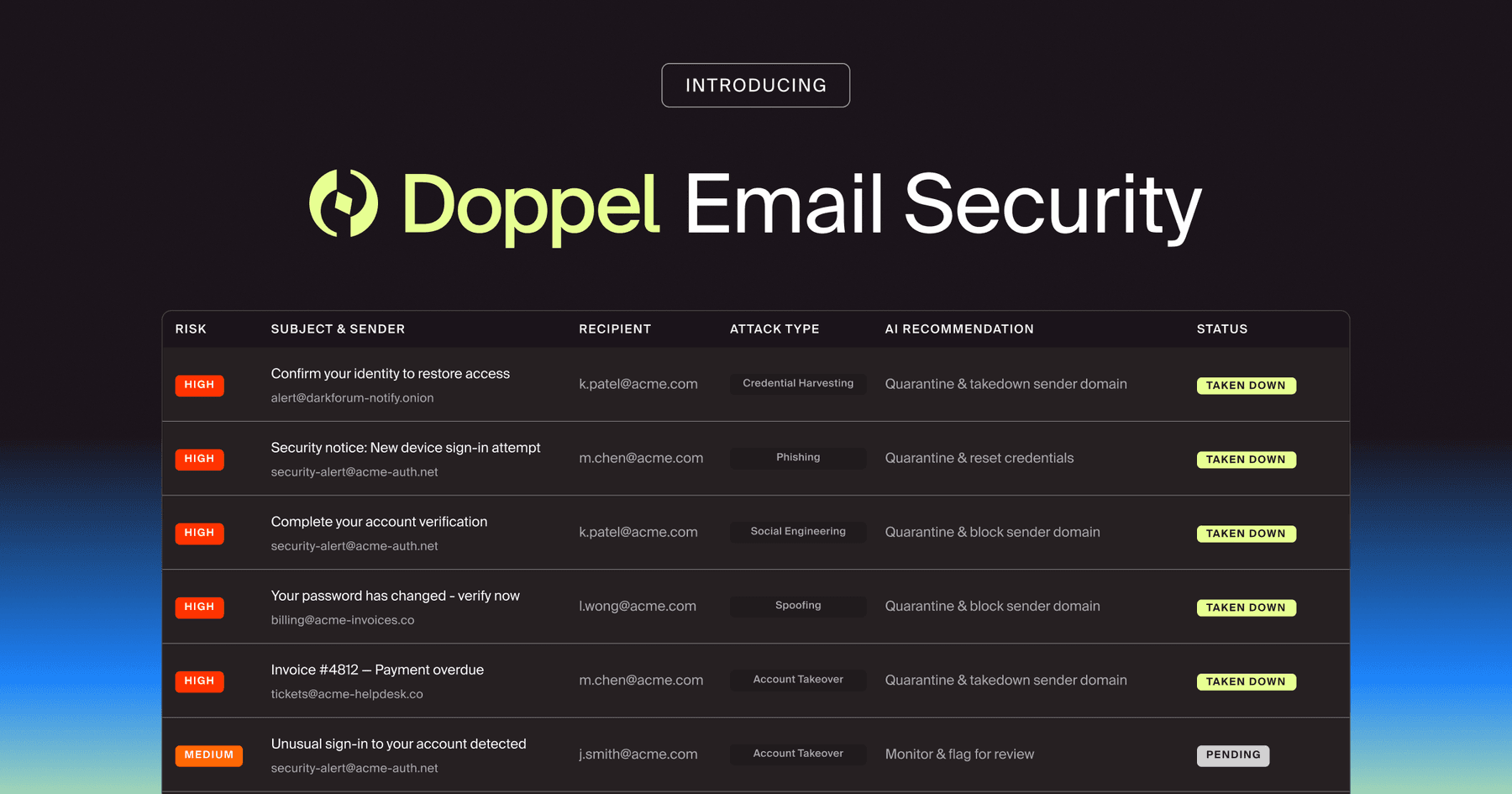
Doppel is the Frontier AI Social Engineering Defense (SED) platform that unifies Digital Risk Protection (DRP) and Human Risk Management (HRM). It detects the lookalike domains and spoofed login pages built to phish fallback codes and help desk staff, then dismantles them before employees or customers reach them.
Passwordless authentication closes the credential-entry step, so remaining attacks use infrastructure the identity stack lacks visibility into: lookalike SSO domains, fake IT support phone numbers, impersonation accounts, and vishing scripts. The Doppel Threat Graph correlates those signals across domains, social, ads, and telco into campaign-level views, and agentic AI executes takedowns while analysts handle complex escalations.
Doppel's Simulation product runs live vishing calls that impersonate IT support and request an MFA reset, so help desk staff rehearse the conversation Scattered Spider uses before a real call arrives. Security teams can also convert a detected campaign into an employee simulation in one click.
Request a demo to get started.
Frequently asked questions about passwordless authentication
What is passwordless authentication?
Passwordless authentication verifies a user's identity without a password. The user proves possession of a device that holds a private cryptographic key, unlocked locally with a fingerprint, face scan, or PIN. Passkeys, hardware security keys, Windows Hello for Business, and smart cards are the most common forms. Email magic links and one-time codes are also technically passwordless and remain vulnerable to phishing.
What is passwordless authentication in cybersecurity?
In cybersecurity, passwordless authentication is the control that removes the shared secret attackers most often steal: a spoofed login page or real-time proxy gets no reusable response from an origin-bound passkey, because the credential only answers for the domain where the user registered it. The Cybersecurity and Infrastructure Security Agency (CISA) lists FIDO/WebAuthn among the widely available phishing-resistant options.
What is the difference between passwordless authentication and MFA?
Multi-factor authentication (MFA) requires two or more different factors: something you know, something you have, and something you are. Passwordless authentication drops the password, and most passwordless methods still qualify as MFA because a possessed device is combined with a biometric or PIN. FIDO2 authentication with user verification constitutes MFA. Phishing resistance separates them in practice; an SMS code added to a password can be relayed by an attacker, while origin binding makes a passkey resistant to that relay.
What is an example of an attack that bypasses passwordless authentication?
Help desk impersonation. In July 2025, Scattered Spider actors posed as employees and convinced IT and help desk staff to reset passwords and transfer multi-factor authentication (MFA) (opens in new tab) to devices the actors controlled. Once inside, the group abused single sign-on to assign the compromised account across linked applications (opens in new tab), extending the intrusion into cloud and SaaS environments. The attack targeted the recovery process, which sits outside the cryptographic ceremony, so hardened help desk verification and monitoring for the impersonation infrastructure behind these calls belong in a passwordless program.