Quishing has emerged as one of the fastest-growing types of phishing attacks.
ESET’s H1 2026 Threat Report (opens in new tab) reveals that malicious use of QR codes saw a staggering 146% increase in the first quarter, and it accounted for over 11% of all phishing attacks in the first half of the year.
Attackers are using QR codes to force victims away from highly monitored corporate environments and onto personal, unmanaged mobile devices. If your human risk management (HRM) strategy is still only testing employees with fake, clickable links on their corporate laptops, you’re missing the biggest threat vector of the year.
Here’s why the mobile perimeter is failing, and how security teams can modernize their training to stop the quishing surge.
Ubiquity of QR codes (and why this lure works)
Before 2020, QR codes were mostly a marketing gimmick. Today, they're the invisible scaffolding of the modern economy.
We scan QR codes to read restaurant menus, pay for parking, connect to Wi-Fi networks, check into flights, and access conference schedules. In fact, eMarketer projects (opens in new tab) that 102.6 million consumers in the U.S. alone will scan a QR code in 2026, which means roughly one in three Americans is scanning these digital squares on a regular basis.
Scanning a code is no longer a novelty; it's a deeply ingrained muscle memory. And threat syndicates are weaponizing our willingness to scan.
When an employee receives an email sitting in their inbox with the subject line, "URGENT: Scan to authenticate your new IT MFA Token," their brain doesn't register it as a threat. It just registers it as another annoying administrative task that requires them to pull out their iPhone.
The goal for the attacker is almost always identity theft. Recent cybersecurity research (opens in new tab) shows that a massive 89.3% of detected quishing attacks are designed specifically for credential harvesting. The attacker doesn't want to install malware on the phone; they just want the employee to type their Microsoft 365 or Google Workspace credentials into a spoofed login page so the attacker can steal the active session token.
Because consumers are so conditioned to expect a login screen or a data-entry form after scanning a code (like signing up for a loyalty program at a coffee shop), they blindly hand over their corporate credentials without a second thought.
Mobile blind spot: Escaping the desktop
Let's break down the technical mechanics of why quishing works so incredibly well against corporate targets.
Bypassing the secure email gateway
The first hurdle for any phishing attack is simply getting into the inbox. Traditional secure email gateways (SEGs) (opens in new tab) are incredibly good at reading text and scanning embedded HTML links for known malicious signatures.
But a QR code isn't a link; it's an image file (usually a .png or .jpeg).
When an attacker embeds a QR code in the body of an email, the legacy SEG just sees a benign cluster of pixels. Unless the security tool has advanced optical character recognition (OCR) explicitly tuned to decode and sandbox QR images in real-time, the malicious email sails right past the gateway and lands safely in the employee's inbox.
Device shift
The explicit goal of a quishing attack is to force a device shift.
The attacker knows that the employee's corporate laptop is a hostile environment. If the user clicks a bad link on their work computer, the corporate firewall might block the traffic, the browser extension might flag the domain, and the endpoint detection and response (EDR) (opens in new tab) agent might kill the script.
But if the attacker can convince the employee to pull out their personal iPhone or Android device and scan the screen? They've just completely bypassed millions of dollars in enterprise security architecture.
The employee is now accessing the malicious payload via their personal cellular network on a device that doesn't have a corporate EDR agent or a managed web filter.
UI vulnerability on phones
Once the employee is on their phone, the attacker holds all the cards.
Mobile operating systems are designed for convenience, not deep security analysis. On a mobile device, critical security indicators are inherently hidden to save screen real estate. Mobile browsers aggressively truncate URLs, making it nearly impossible for a tired employee to spot a slightly typosquatted lookalike domain (like login-microsoft-auth.com instead of the legitimate URL).
Furthermore, users exhibit a massive psychological bias toward trusting whatever pops up on their phone after a scan. We've been trained to believe that the connection between a physical screen and our phone's camera is inherently private and secure. It feels like magic, so we drop our guard.
Here’s why legacy training and simulations fail against quishing
If attackers have completely moved the battleground to the mobile device, why are we still training our employees like it's 2015?
The reality is that the vast majority of security awareness training (SAT) programs are broken when it comes to quishing. They suffer from a massive desktop bias.
Legacy phishing simulation tools only test for standard, clickable email links designed for a traditional desktop environment. Security teams send out fake phishing emails containing a giant red button that says "Click Here to Reset Password."
If the employee clicks it, they fail. If they report it, they pass.
This creates an incredibly dangerous false sense of security for the CISO and the board.
If you're only testing whether an employee clicks a hyperlink on their laptop, you are completely blind to whether that exact same employee would pull out their personal device to scan a fake "Urgent 2FA Update" code. Your dashboard might show a stellar 2% click rate for traditional phishing, but your actual vulnerability to quishing could be hovering around 40%.
Traditional HRM tools can't track cross-device behavior. They leave security teams with absolutely zero visibility into their mobile human risk, which is exactly where the modern threat syndicate is focusing its energy.
Human Risk Management with Doppel
You can't fix a 2026 problem with a 2015 tool. To actually build resilience against the fastest-growing threat vector on the market, security teams need to stop treating mobile phones as an afterthought.
You need to run true cross-device simulations that mirror the exact tactics used by modern adversaries.
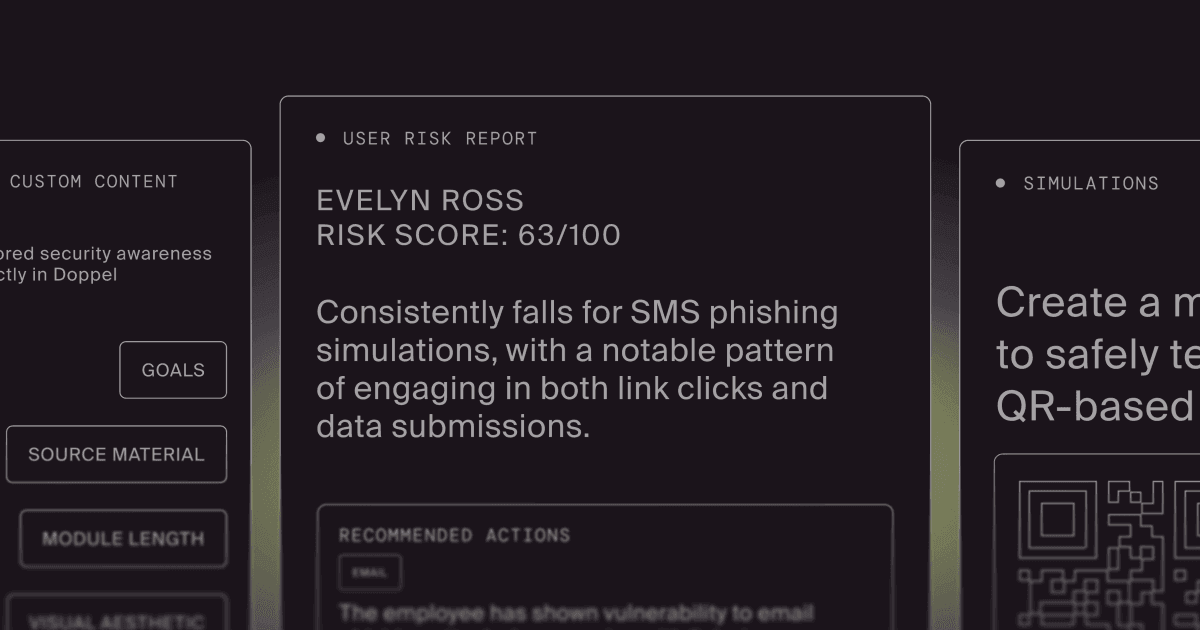
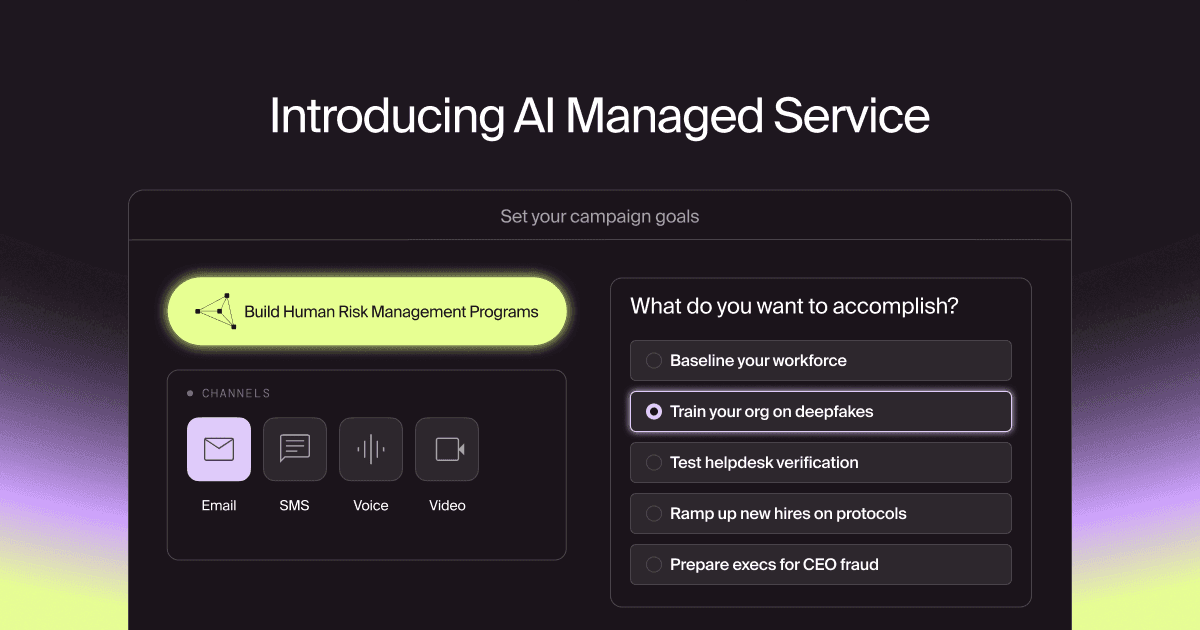
Doppel believes that your training environment has to be as sophisticated as the attacker's operating environment. Instead of relying on static, desktop-only links, Doppel empowers security teams to execute multi-channel, mobile-first simulations that bridge the gap between the workstation and the smartphone.
Here's how Doppel's AI-native platform tackles the quishing epidemic.
Dynamic QR code tracking
When you launch a quishing simulation through Doppel, we don't just drop a static image into an email and cross our fingers. We deploy dynamic, trackable QR codes that actively monitor the employee's behavior as they transition off the corporate network.
When the employee pulls out their phone and scans the code on their monitor, Doppel's platform tracks the device shift in real-time.
We capture the telemetry of the mobile scan, providing your SOC with deep visibility into exactly who in your organization is falling for the physical-to-digital lure.
Contextual, on-device interventions
The biggest problem with legacy training is that the feedback is delayed. If someone clicks a bad link on Tuesday, they might get an automated email on Thursday telling them to watch a generic 15-minute compliance video. By that point, the learning opportunity is completely gone.
Doppel believes in immediate, contextual intervention.
If an employee scans our simulated QR code, we don't just log the failure. Doppel immediately triggers a safe, secondary compliance step directly on their mobile screen. The platform delivers a 30-second micro-coaching session right on their phone, in the exact environment where they made the mistake.
We train the worker exactly where they're most vulnerable, explaining how mobile browsers hide URLs and why they should never authenticate a login via a scanned code.
What human risk management needs to look like in 2026
If you're evaluating your HRM program this quarter, here is a quick look at how your current setup compares to a modernized, mobile-first architecture:
Training capability | Legacy platforms | Doppel’s agentic HRM |
Primary testing vector | Static, clickable HTML links inside the email body | Dynamic QR codes, SMS lures, and cross-channel payloads |
Behavioral tracking | Limited exclusively to actions taken on the corporate workstation | Tracks the behavioral shift from the desktop monitor to the personal mobile device |
Educational deliver | Delayed, generic video modules sent days after the failure | Immediate, contextual micro-coaching delivered directly to the user's mobile screen |
Risk visibility | Blind to how employees interact with physical-to-digital threats | Comprehensive telemetry on the organization's true mobile and cross-device vulnerability |
Start preparing employees for quishing attacks
The perimeter is now the personal, unmanaged smartphone sitting right next to the employee's keyboard.
As long as threat actors know they can bypass millions of dollars in corporate security infrastructure just by putting a black-and-white square in an email, the quishing epidemic will continue to surge.
It's time to rethink your security awareness program. You need to train your employees for the threats they are actually facing today, not the threats they faced five years ago. By utilizing Doppel’s agentic AI to execute true cross-device simulations, you can finally close the mobile blind spot, intervene contextually, and turn your workforce into an active, resilient sensor grid.
Ready to stop the quishing surge and modernize your security awareness training? Get a demo with Doppel to see how our platform deploys dynamic QR codes, tracks cross-device behavior, and delivers mobile-first micro-coaching at scale.