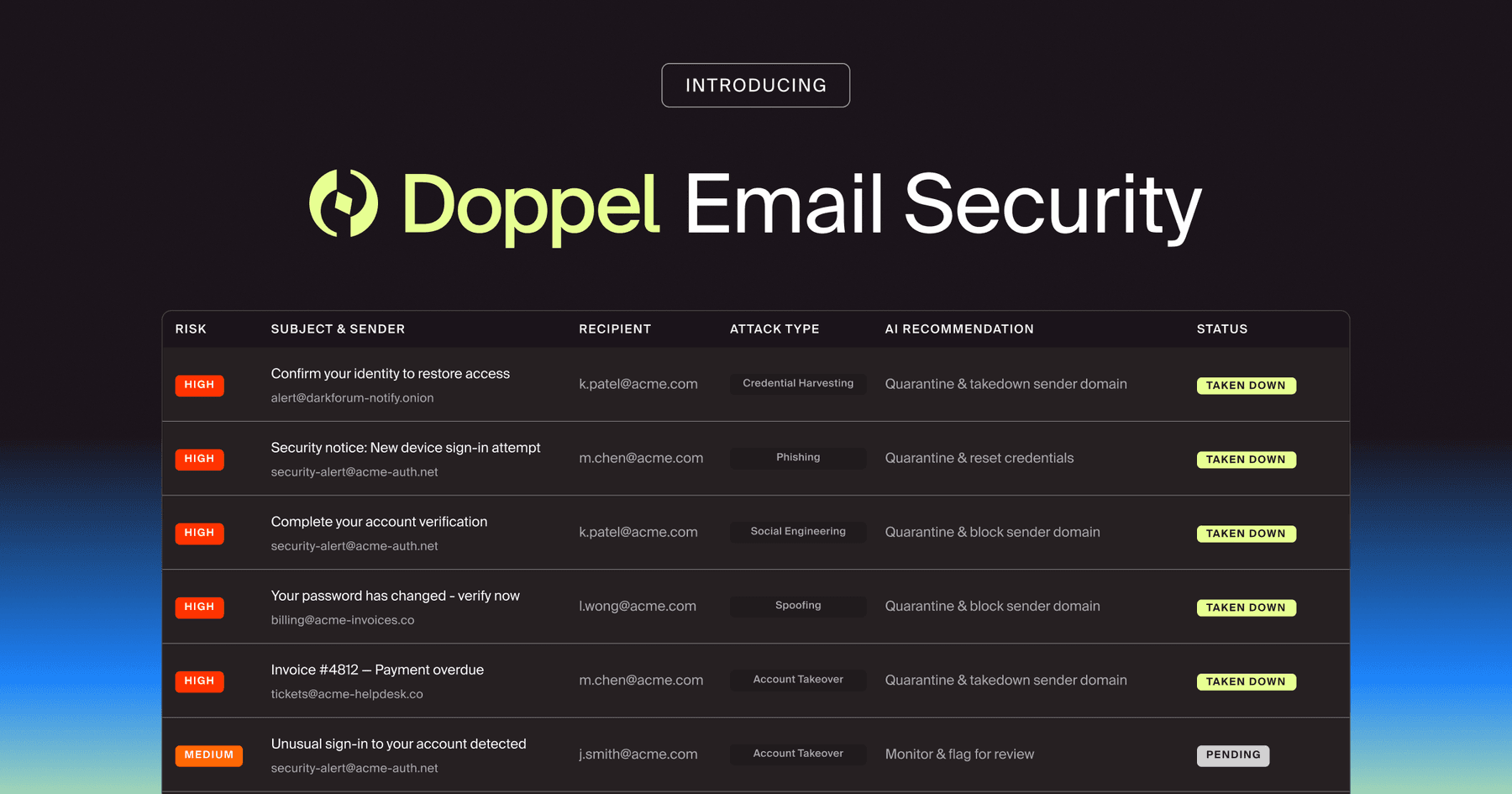
Doppel Email Security is now generally available
The agentic email security solution that empowers you to fight back against social engineering attacks. Detection isn't enough. Disruption is the difference.
ClickFix scams turn fake CAPTCHAs and browser errors into malware delivery. Learn how the attack works, what to watch for, and how to respond.
The browser says something broke. A CAPTCHA wants proof you’re human. The fix looks easy: open Windows Run, paste a command, press Enter.
Convenient. Also deeply suspicious.
That sequence is the heart of ClickFix, a social engineering technique that persuades people to execute the attacker’s code themselves. There may be no attachment to scan and no obvious download to block. The victim becomes the installer, and the malware arrives wearing a tiny “I’m helping” badge.
ClickFix has appeared in campaigns delivering information stealers, remote-access tools, and ransomware precursors. CISA’s Interlock ransomware advisory (opens in new tab) describes one version built around a fake CAPTCHA and a malicious PowerShell (opens in new tab) command. The payload changes, but the trick stays remarkably simple: turn a routine problem into a short set of instructions and let urgency do the rest.
ClickFix is a social engineering technique that uses a fake browser error, CAPTCHA, document prompt, or verification screen to convince someone to run a command on their own device. Instead of asking the victim to download “invoice.exe,” the page provides steps that appear to repair the issue.
The instructions often direct the user to open Windows Run, PowerShell, Terminal, or another built-in utility. The attacker may quietly place a command on the clipboard, so the victim only has to paste and execute it. That command can retrieve a second-stage payload, launch a script, steal credentials, or establish remote access.
Technically, the user executed the command. Practically, the attacker wrote the script, designed the prompt, and choreographed the whole performance.
ClickFix usually follows a short, repeatable sequence. Each step looks manageable on its own, which is precisely why the chain can move so quickly.
The campaign may begin with a phishing email, a malicious ad, a compromised website, or a link shared through chat. Some pages imitate familiar services. Others inject a fake verification overlay into an otherwise legitimate site. A recognizable logo helps, but the real sales pitch is context: the prompt appears exactly when the person expects to open a file, join a meeting, or prove they aren’t a bot.
The site claims a browser check failed, a document can’t load, or a CAPTCHA needs one extra step. The problem is small enough to feel fixable and annoying enough to invite a quick response. Nobody wants a ten-minute detour to view a PDF.
ClickFix works because the request doesn’t initially sound like “install malware.” It sounds like “finish the thing you already started.” That distinction buys the attacker just enough trust.
The page tells the user to launch a trusted system tool and paste a prepared command. This is the moment that matters. A website asking someone to open Run, PowerShell, or Terminal isn’t offering customer support. It’s outsourcing payload execution.
Because the command runs through legitimate operating-system tools, the activity can resemble ordinary administration at first glance. MITRE ATT&CK classifies the human step as user execution (opens in new tab), while the command may rely on familiar interpreters such as PowerShell.
The pasted command can decode content, contact attacker-controlled infrastructure, and retrieve additional malware. The first command is often only the stage manager. The unpleasant cast arrives next.
Depending on the campaign, the follow-on payload may steal browser data and session cookies, install a remote-access tool, establish persistence, or prepare the environment for ransomware. A fake CAPTCHA can therefore become a very real incident in a handful of keystrokes.
ClickFix sidesteps several habits security programs have spent years teaching. People are told to inspect links, avoid strange attachments, and check whether a page looks legitimate. Those lessons still help, but ClickFix shifts the decisive action elsewhere.
The page may sit on a compromised legitimate site. The visible prompt may contain no detectable malware. The command may be hidden on the clipboard. And the victim may believe they’re following a support workflow rather than overriding a security boundary.
It also borrows authority from the operating system. Windows Run and PowerShell are real tools, so the instructions feel technical and official. Attackers are counting on a familiar human reflex: when software gives us three numbered steps, we assume someone competent wrote them.
The command is only the opening act. What arrives next depends on the campaign, the victim’s access, and what the attacker hopes to monetize. That flexibility is part of the appeal: the same fake fix can deliver very different trouble.
Information stealers are a common choice because they can collect browser passwords, session cookies, cryptocurrency wallet data, and other material that turns one compromised workstation into several compromised accounts. A stolen session may also let an attacker sidestep a fresh login challenge, which is a particularly rude sequel to a fake CAPTCHA.
That range also changes the forensic trail. Browser history may explain how the victim arrived, while the real damage appears in child processes and outbound connections. Treat the page as the beginning, not the incident’s full address.
Other campaigns use the first command to stage remote-access malware, load additional scripts, or prepare for ransomware. The visible lure may be disposable, but defenders should assume the command was built to create options. Finding one file isn’t the finish line; the more useful question is what the command fetched, changed, or handed off.
There isn’t one magic control for ClickFix. The stronger approach combines endpoint visibility, browser and email defenses, clear reporting paths, and training built around the behavior attackers want.
Together, these measures make the browser-to-shell handoff more obvious, easier to report, and harder for an attacker to complete quietly.
If an employee reports that they followed the instructions, start with the device and the identity. Isolate the endpoint when the risk warrants it, preserve the exact command and source page, and capture process, network, and download activity before the evidence gets tidied into oblivion.
Next, review the accounts and sessions exposed from that device. Revoke suspicious sessions and tokens, reset credentials when the evidence supports it, and check for new inbox rules, unusual cloud access, or activity from unfamiliar devices. ClickFix can be the first step in a broader account takeover, so a clean malware scan doesn’t automatically close the case.
Good incident response also leaves room for the employee to explain what happened without turning the interview into a courtroom drama. Their timeline can connect the lure, clipboard action, command, and follow-on behavior faster than telemetry alone. Rewarding the report makes the next one arrive sooner, which is exactly what you want.
A generic lesson about suspicious links won’t fully prepare someone for a polished CAPTCHA on a site they trust. ClickFix succeeds at the handoff between screen and system: the moment a browser asks a person to become its temporary command-line administrator.
Security awareness training and simulations with Doppel help teams practice current social engineering behaviors in realistic scenarios, then turn the results into targeted coaching. If an employee reports a suspicious prompt, phishing triage helps security teams investigate and respond without making the employee translate the incident into SOC dialect first.
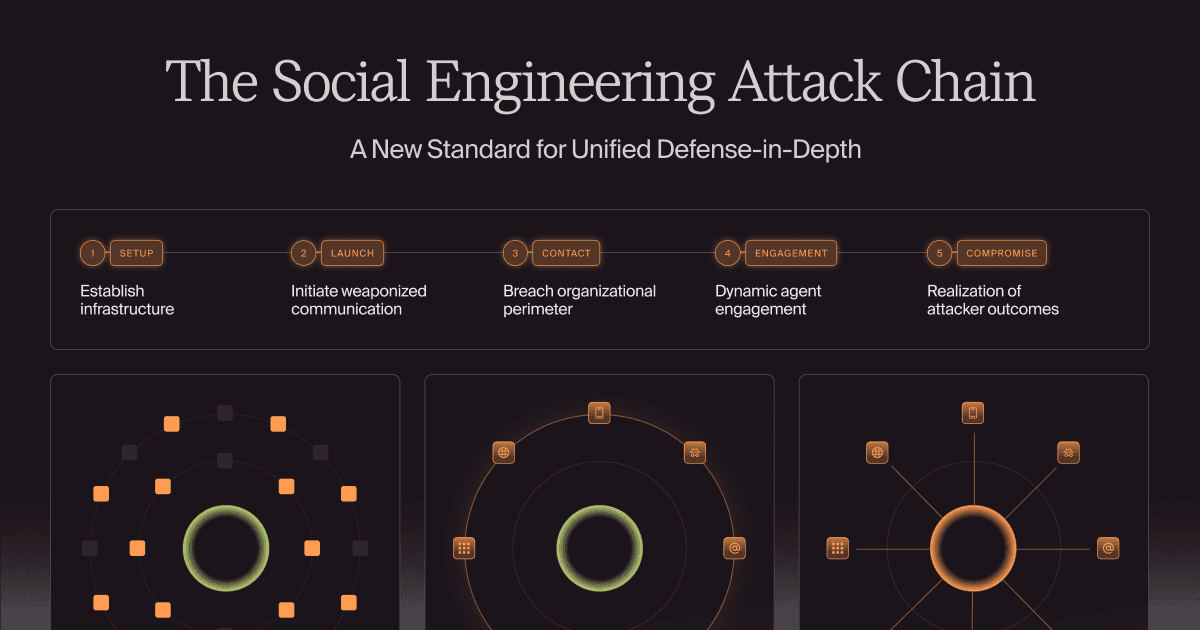
That matters because ClickFix isn’t just a malicious page. It’s a compact social engineering attack chain built around a very specific decision. Defenders get better results when they train, detect, and respond to the chain as one event.
ClickFix gives the victim a starring role in malware delivery, but that doesn’t make the victim the problem. The attack is designed to make unsafe behavior feel like competent troubleshooting.
Give people one simple rule they can use under pressure: websites don’t get to assign command-line homework. Then back that rule with endpoint controls, fast reporting, and simulations that reflect what attackers are doing now.
Could your team spot a fake fix before it becomes a real incident? Schedule a demo to see how Doppel helps employees and security teams recognize, report, and stop attacks like ClickFix.
BLOG
Modern social engineering is a relentless, AI-orchestrated lifecycle. Learn how to map the five-stage attack chain—from setup to contact—and why a unified defense platform is the only way to outpace AI-driven social engineering attacks.



by Bobby Ford, Rahul Madduluri, and Alvin Lin