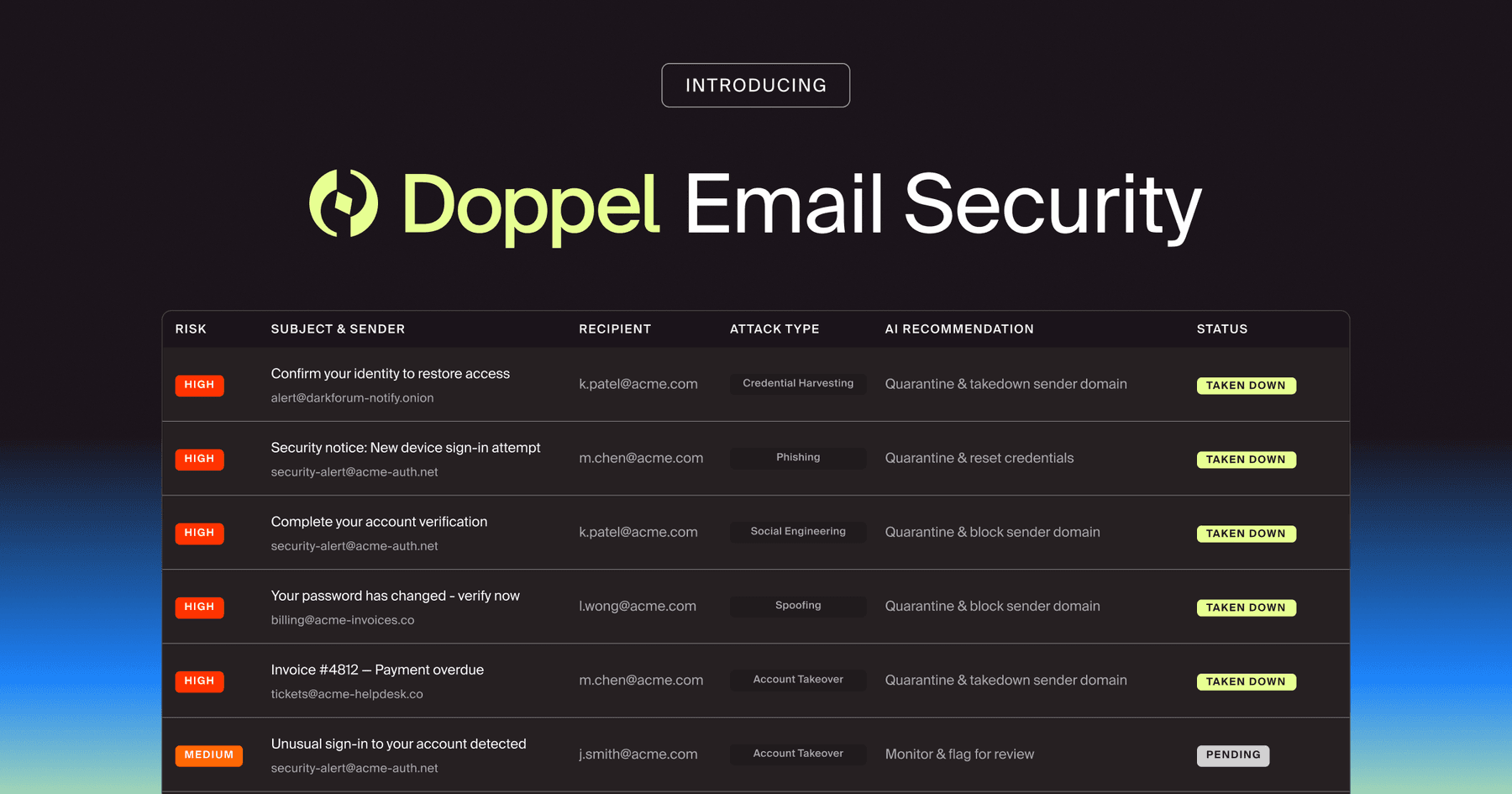
Doppel Email Security is now generally available
The agentic email security solution that empowers you to fight back against social engineering attacks. Detection isn't enough. Disruption is the difference.
A watering hole attack compromises a trusted site a target group already visits, then uses normal browsing to deliver malware. Learn how it works and how to defend.
An engineer at a defense contractor opens the industry standards portal she checks every morning. Nothing about the page looks off, because nothing is wrong with it: the domain is right, and it is the same site her team has trusted for years. A routine prompt asks her to update her browser before continuing, and she clicks, as she has dozens of times before. No suspicious email preceded it. No attachment to scan. The site itself has been compromised.
Within minutes, a loader is running on her machine, and an attacker has a foothold inside a network that had blocked every direct phishing attempt aimed at it. That is a watering hole attack: the victim notices nothing wrong because the campaign turns a trusted browsing habit into the way in, weaponizing the trust attackers exploit instead of trying to break through it.
A watering hole attack compromises a website that a target group frequents, then uses it to deliver malware. Security teams track this as Drive-by Compromise (opens in new tab): attackers pick a site tied to a specific community, such as a government agency, an industry, or a region, so a single compromise can reach many users who share that interest.
The name comes from the hunting tactic it imitates. Rather than chase a target, the attacker poisons a place the target already goes. Phishing and watering hole attacks are distinct initial-access paths (opens in new tab): phishing sends the lure to the victim, while a watering hole attack compromises a site the victim already visits. The attacker finds a weakness in a site the target trusts, then plants malware on it (opens in new tab) and waits for the routine visit.
A watering hole attack is also distinct from a supply chain attack (opens in new tab), which compromises software or a vendor in the delivery chain rather than a site the target browses. The two can combine in one campaign, but a watering hole turns everyday browsing into the point of entry.
Attackers choose the professional sites employees visit most: industry resources, regulatory portals, partner organization sites, and professional discussion boards. The shared audience is what creates the strategic value.
A site one organization trusts can carry that trust across an entire sector. Watering hole campaigns often compromise trade publications and informational sites tied to process control, ICS, or critical infrastructure, as seen in Russian energy-sector operations (opens in new tab).
A watering hole attack is a staged campaign. It moves from choosing a site the target trusts, to compromising it, to delivering a payload through ordinary traffic, to manipulating the visitor into triggering it, to executing on the foothold inside the organization. Attackers engineer each stage to look like normal activity.
Attackers start by mapping where their target community spends its time: industry conference sites, professional boards, regulatory portals, and partner organization sites. Targeted attackers demonstrate deep knowledge of the community's browsing patterns, and they often build profiling directly into the attack.
APT37 deployed a JavaScript profiler called RICECURRY to fingerprint a visitor's browser and serve malicious code only to qualifying targets through a browser profiling script (opens in new tab).
Attackers gain a foothold on the site itself through weaknesses in the website, legitimate credentials, or malvertising placements. They then upload or inject malicious web content (opens in new tab), such as JavaScript, for drive-by targeting. In some cases, attackers skip the exploit entirely and use stolen access.
Russian actors in historical energy-sector activity used legitimate credentials to directly modify website content. They inserted code into the site's own JavaScript and PHP files.
Delivery happens during ordinary browsing, with no action required beyond loading the page. A user reaches the payload simply by visiting the compromised site (opens in new tab) in the normal course of work. Some attackers filter delivery by specific IP ranges, serving the payload only to visitors inside the target range, so the activity stays harder for outsiders to observe.
That selectivity lets the legitimate site serve ordinary content to most visitors and malicious content only to the intended network.
When attackers lack zero-days or want a lower-cost path, they substitute a prompt the visitor will act on themselves. Common lure types include fake browser update (opens in new tab) notices and ClickFix dialogs (opens in new tab), where a fake error or CAPTCHA tricks the user into copying a malicious command into the Windows Run dialog.
The move works because it mimics legitimate friction: the visitor believes they are passing a human verification test while the command runs a payload.
Once the foothold lands, the intruders move fast and quietly. Earth Lusca activity has used PowerShell, certutil, and Nltest (opens in new tab) to enumerate domain controllers, plus SSH keys for persistence. Magic Hound (opens in new tab) disables antivirus and event logging, maps trust relationships, enables RDP, and exfiltrates email archives.
A single routine visit becomes the initial access that the organization has built its perimeter defenses to prevent.
A watering hole attack falls into the gap between the four defenses most organizations rely on to catch web threats. Email security, web reputation filtering, endpoint tooling, and awareness training often treat the legitimate third-party site as safe, which is exactly where the malicious activity happens.
Email gateways miss watering hole campaigns because the browser carries the attack, not the inbox. Secure email gateways scan the attachments and links inside messages, but a watering hole never sends one. The compromise lives on a site the employee chose to visit, and the malicious code arrives over ordinary web traffic the gateway never sees.
Category-based and reputation filtering fail when they treat the compromised domain's history as proof of safety. Category-based detection stays difficult until the categorization changes, and for a long-standing legitimate site, the campaign can conclude before that update arrives.
IP-range filtering compounds the problem: when attackers serve malicious content only to visitors in a specific IP range, the activity can stay invisible to reputation engines scanning from everywhere else.
EDR faces two compounding gaps. Exploit-based variants, including zero-day exploits, reduce the usefulness of signature-based detection, and living-off-the-land techniques abuse binaries the endpoint must allow to function. Documented watering hole attackers have used ordinary administrative tools such as PowerShell, certutil, Nltest (opens in new tab), and RDP-related changes (opens in new tab) after initial access.
That leaves defenders balancing the need to block abuse against the need to permit legitimate administration.
Standard awareness training often focuses on suspicious origins, while a watering hole attack arrives through a sanctioned one. In exploit-based variants, the risky act can be simply visiting a trusted site (opens in new tab). The targeting logic makes the mismatch worse: employees visit industry sites, regulatory portals, tool vendor documentation, and community forums as a legitimate part of their work. Even well-trained people can remain exposed through the work they are paid to do.
The same trust that makes a site valuable to employees is what makes it valuable to attackers, and legacy controls are strongest when scrutinizing untrusted origins.
Stopping a watering hole attack means defending the three dimensions legacy tools leave exposed: the attacker infrastructure staged across the open web, the employees who face the prompt that triggers the payload, and the connection between external detection and internal response. Endpoint hardening, sandboxed browsers, and disciplined patching continue to matter for exploit-based variants.
Drive-by compromise mitigations include browser sandboxes (opens in new tab), exploit protection, restrictions on web-based content, and keeping browsers and plugins updated. Everything that happens before and around the payload remains uncovered.
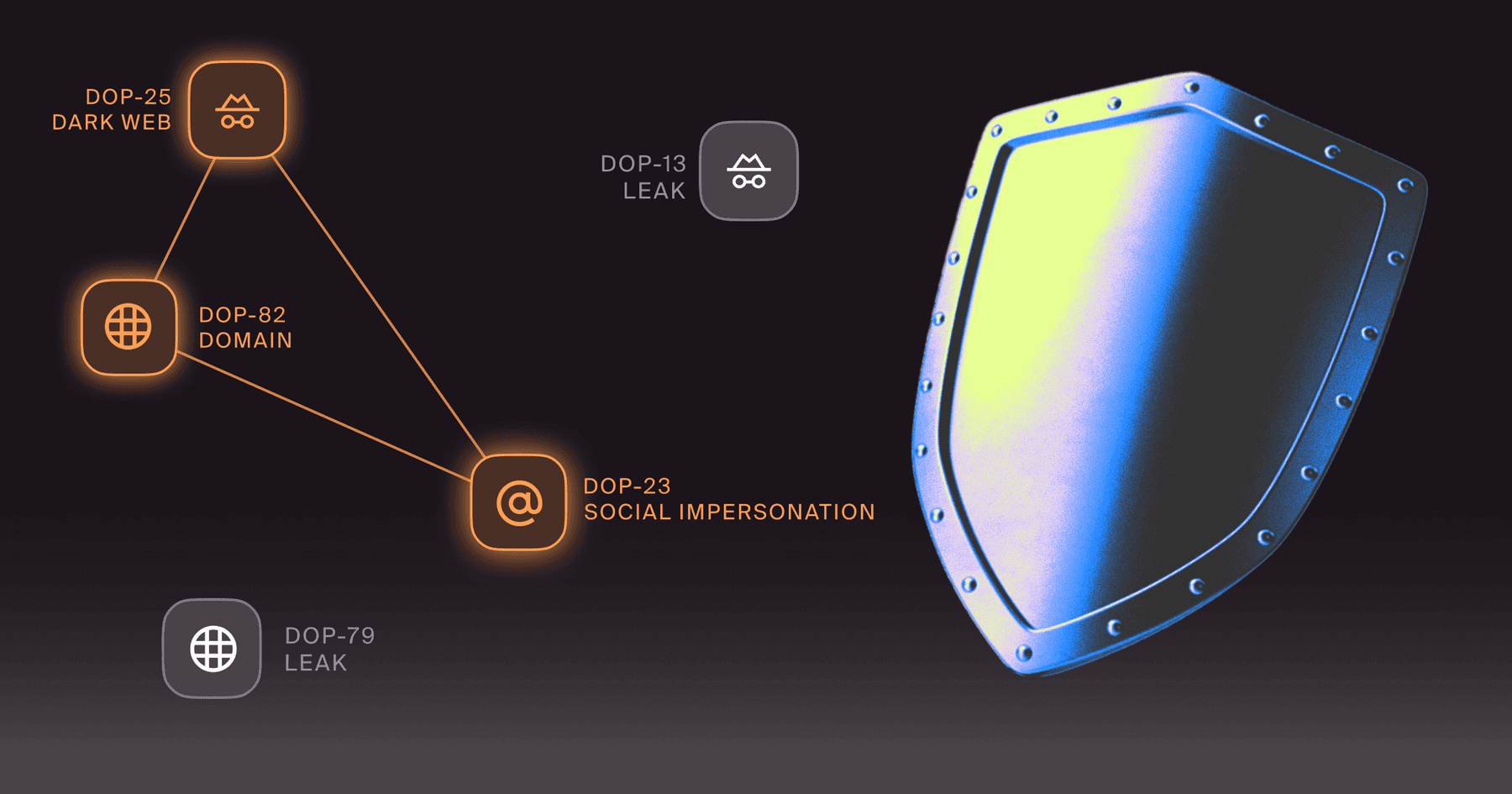
Attackers build the campaign outside the organization's visibility, on infrastructure they design to resist cleanup. They automate malvertising infrastructure (opens in new tab) and malicious domain creation at scale, which keeps much of the activity out of the target's view. Detection alone does not hold against this.
In the 3ve ad fraud operation (opens in new tab), blacklisting would have produced only a temporary disruption (opens in new tab), because the operators could acquire new IP addresses faster than defenders could block them.
Training has to address the specific prompts these campaigns use. Generic phishing red flags leave the trusted-site problem uncovered. Security teams should use user training mitigation (opens in new tab) to teach users to identify social engineering techniques and perform visual checks of the domains they visit.
For watering hole defense, train employees that legitimate enterprise websites do not normally instruct visitors to open the Windows Run dialog and paste a command. Security teams can train against fake browser updates (opens in new tab) and common security software impersonations, including FortiClient, Ivanti Secure Access Client, GlobalProtect, Webex, and AnyConnect VPN.
Organizations turn external signals into action only when they can apply them. A fake update page or a malicious redirect domain that the team spots in the wild has to flow into incident response and into what employees are trained to recognize.
Without that loop, shared intelligence (opens in new tab) sits in a report while the campaign keeps running.
The organizations that stay ahead of watering hole attacks treat the trust their people place in familiar sites as an attack surface to defend. That means dismantling the infrastructure behind the attack and rehearsing the workforce against the live lures, so a routine visit stops being a path into the network.
Detection that hands an alert to an analyst leaves the attacker's staging infrastructure standing. The platform dismantles it and trains your people against it on the same intelligence layer. That raises the cost of targeting your organization.
Request a demo to see how Doppel maps and dismantles the campaigns behind the sites your people trust.

BLOG
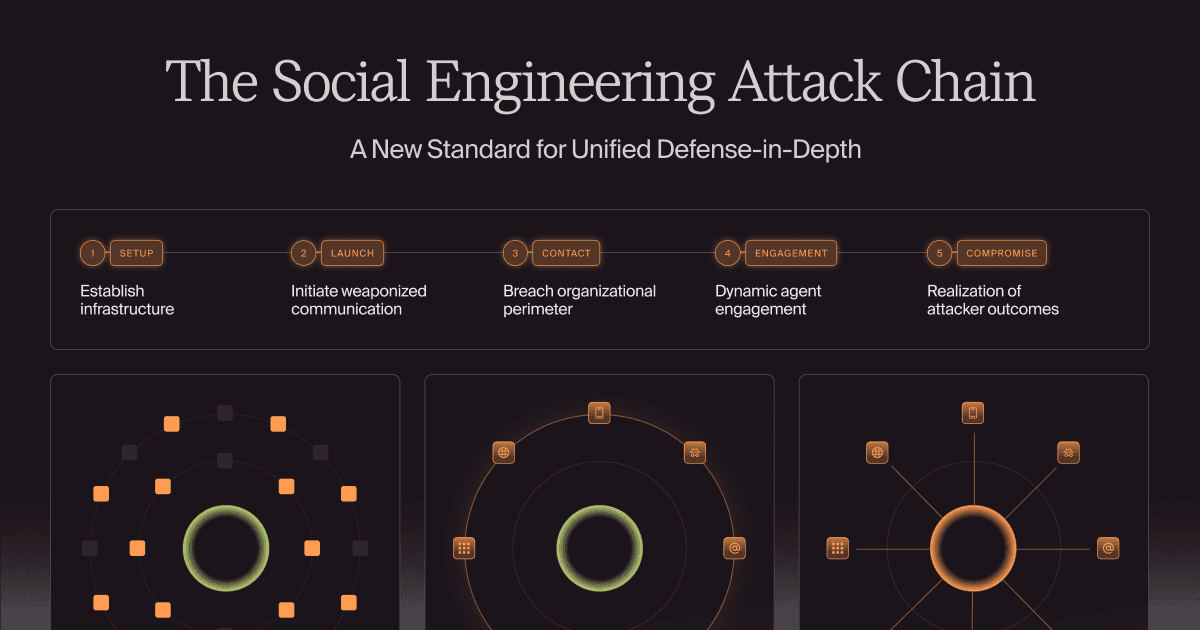
Modern social engineering is a relentless, AI-orchestrated lifecycle. Learn how to map the five-stage attack chain—from setup to contact—and why a unified defense platform is the only way to outpace AI-driven social engineering attacks.



by Bobby Ford, Rahul Madduluri, and Alvin Lin