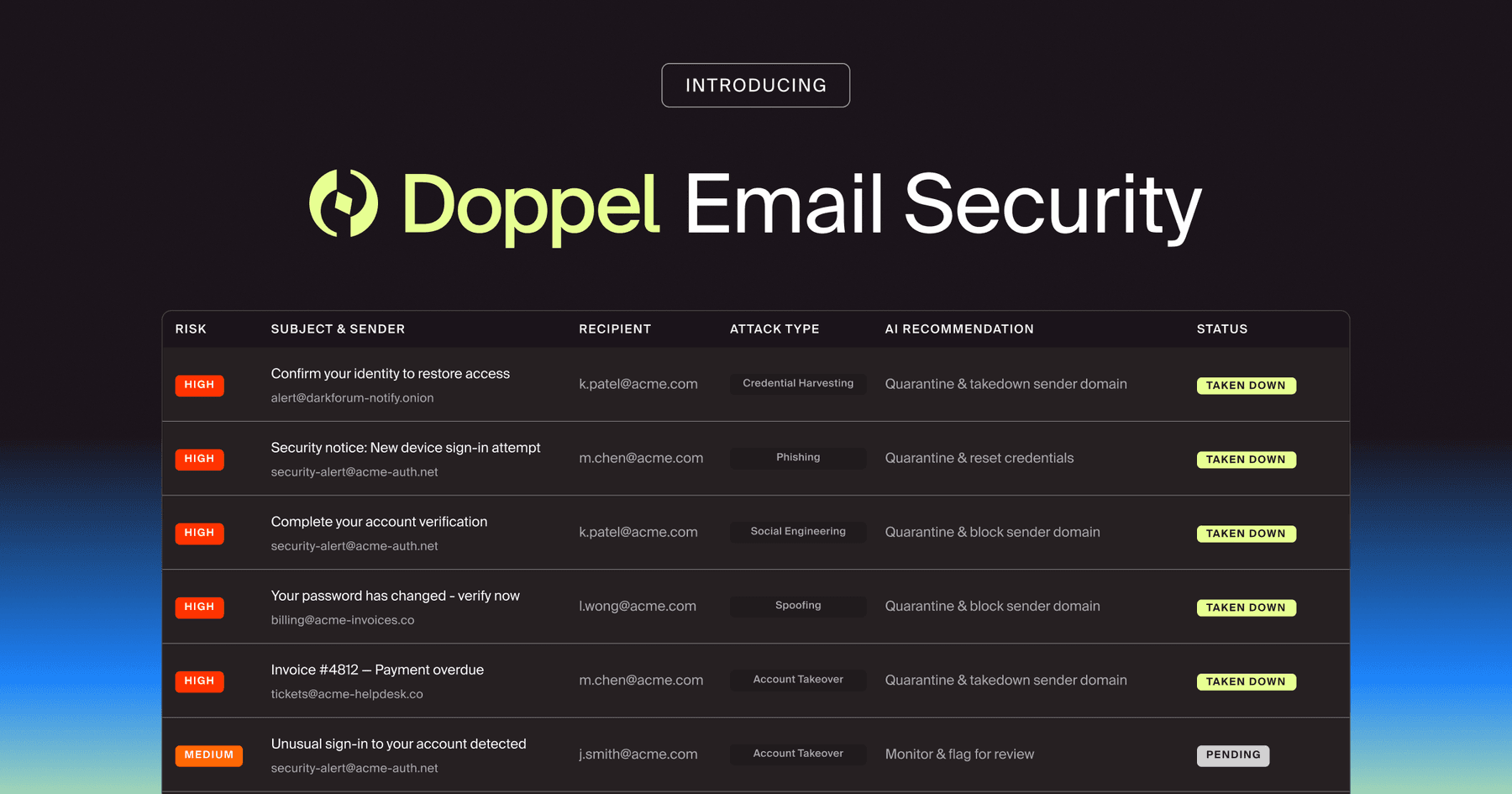
Doppel Email Security is now generally available
The agentic email security solution that empowers you to fight back against social engineering attacks. Detection isn't enough. Disruption is the difference.
See 6 real smishing examples, from fake delivery and toll texts to bank fraud alerts, and learn the four red flags that give every SMS scam away.
A text lands on an employee's phone between meetings. Their bank has flagged a charge they do not recognize and asks them to confirm it is fraud before the card gets locked. The page that opens looks like the bank's. The employee enters the one-time code to "cancel" the charge, and within seconds, the attacker uses it to drain the account.
Attackers design it that way. A text reaches a personal device, people check quickly and act on by reflex, and attackers build the lure to feel routine. Six real smishing examples share the same red flags, even as attackers clone brands and personalize lures at the scale of a spam blast.
Key Takeaways
Smishing is social engineering that attackers deliver over SMS and messaging apps to pressure a target into tapping a malicious link or handing over sensitive information or money. The text can carry a link to a fake page or a phone number that routes straight to the attacker.
Like other social engineering attacks (opens in new tab), it works because it reaches a personal device that people check within minutes and act on by reflex, and attackers also use SMS and MMS to target individuals directly (opens in new tab).
Most smishing messages pair a pretext with a spoofed identity to make the urgent ask believable. The pretext gives the text a reason to exist, such as a flagged charge or a stuck package. The spoofed sender, whether a number that mimics a bank or a display name that reads like a courier, makes it credible.
The single urgent ask then tells the target exactly what to do before scrutiny kicks in.
Phishing has always exploited the same human reflexes; smishing simply moved them onto the channel people read fastest. Phishing is digital social engineering (opens in new tab) that uses authentic-looking but bogus messages to request information, and it now spans multiple channels (opens in new tab), with smishing over text alongside email and voice (vishing).
A text gets attention quickly, lands on a device that often sits outside enterprise security controls, and carries none of the cues people lean on to vet an email.
Most smishing follows a short list of repeatable plays. Seeing each in concrete form helps a security team train targeted roles such as finance, payroll, and IT to recognize the pattern when the next text arrives. Three of the six below carry no malicious link at all.
That is a deliberate teaching point, because a recognition program focused only on bad URLs misses attacks with no URL to inspect.
A courier-branded text claims a parcel could not be delivered and asks the target to confirm an address or pay a nominal redelivery fee. Package-delivery scam wording (opens in new tab) often tells recipients, "Hi, we are having issues releasing your package. Please update shipping directions," followed by a link.
The click leads to a look-alike site where every card number, name, and address the victim enters lands in the scammers' hands (opens in new tab). The small fee lowers scrutiny while the attacker collects the card details they actually want.
A message impersonating a toll authority demands payment of a small outstanding balance to avoid a larger penalty, then routes the target to a fake page that captures card details. Toll scam texts (opens in new tab) show an amount supposedly owed and include a link to enter bank or credit card information. The California FasTrak version used phrasing about avoiding excessive late fees and potential legal action.
These campaigns trace largely to a China-based threat actor (opens in new tab) selling scam-site kits with preloaded brand templates, and official warnings have been consistent: E-ZPass and Tolls by Mail do not send (opens in new tab) texts requesting personal information.
A message impersonating an executive asks an assistant or finance employee to buy gift cards or push a quick payment before a deadline the attacker invents. The attack runs on pure authority and urgency. The attacker borrows hierarchy, creates a deadline, and asks for an action outside the normal approval path.
Because there is no URL to inspect, a recognition program has to teach the authority-and-process bypass alongside suspicious links.
A text posing as IT warns of an unusual sign-in or an expiring password and links to a cloned single sign-on page that harvests the credentials and the MFA code the employee enters behind it. Scattered Spider uses SMS messages (opens in new tab) when targeting organizations, along with voice phishing, to convince help desk personnel to reset passwords or MFA tokens.
Attackers run cloned pages through an adversary-in-the-middle framework that captures credentials and session cookies in real time, which bypasses MFA entirely. Scattered Spider also uses help-desk impersonation and MFA bypass (opens in new tab) to obtain administrator access in major identity and cloud environments.
A message posing as the bank's fraud team asks the target to confirm a suspicious charge by replying or calling a number, then talks them into reading back a one-time code or pivots to a live call. The pattern often drives account takeover: a fraudster logs in with stolen credentials, the real provider sends a one-time passcode (opens in new tab), and the attacker, posing as the bank, asks the victim to read it back.
Legitimate companies don't ask (opens in new tab) for account information by text, and a bank's fraud team (opens in new tab) never has a customer read back a password, PIN, or one-time access code (opens in new tab) over SMS.
A message impersonating an employee asks payroll or HR to update direct-deposit details before the next cycle, which reroutes the paycheck to an attacker-controlled account. In one documented email version, an impersonator wrote that they needed to replace the account (opens in new tab) that received their most recent deposit due to a bank change.
That incident used email, but the lesson for payroll and HR is the same: familiar company language and an apparent employee identity can carry the request even without a malicious link, so the team should always check whether it bypasses the verification process payroll changes require.
The examples above share the same handful of tells. A workforce trained to spot them can recognize a scam no one has seen before, because the pattern holds even when the brand and dollar amount change.
Smishing pairs pressure with a stake too small to scrutinize: a small toll payment, a nominal redelivery fee, a gift-card errand framed as time-sensitive. A message pushing anyone to act "before suspension" deserves the pause its sense of urgency (opens in new tab) is designed to prevent.
An unrequested link or callback number is the payload of most smishing texts, so an unexpected message asking for personal or financial information is the cue to stop and not click (opens in new tab). Contact the company through a number or site you already know is real.
SMS makes the link itself hard to vet, because attackers use link shorteners (opens in new tab) to hide the destination and a phone does not let you hover over a link.
The brand a text claims and the infrastructure behind it rarely line up. Lures often use domains that do not belong to the carrier or bank they impersonate, with URLs that vary in spelling or use a different domain ending (e.g., .com vs. .net). Random numbers, odd endings (opens in new tab), and a sender that does not match the claimed brand are durable tells.
Grammar and spelling errors can still help as secondary signals.
Reading back a one-time code routes around MFA. Changing direct deposit on a single text routes around a verification policy. Buying gift cards on an executive's say-so routes around purchase controls.
The payroll incident that occurred did so because an employee processed the change based only on the email request (opens in new tab) without following policy. When a message asks you to bypass a normal control, the bypass is the attack.
Recognition that rests on one alert employee in one moment is too fragile to carry an organization's defense. The tells still hold, but three forces are pulling them out of reach. AI now generates clean, branded lures at volume, SMS hides the sender and destination that an email client would surface, and any single text is one stage of a multi-channel campaign.
Generative AI has made it easier for criminals to produce tailored lures in polished language at volume; threat actors use AI to create realistic text (opens in new tab) that targets individuals through phishing, vishing, and smishing.
Grammar and spelling have weakened as standalone detection signals, and phishing-as-a-service platforms now automate branded phishing kits (opens in new tab) by cloning login pages and distributing links through templated infrastructure. AI-automated phishing emails achieved click-through rates of 54% (opens in new tab), compared to 12% for standard attempts.
SMS gives a target fewer technical cues to inspect than email. The message carries far less context than a full email thread, and email has SPF, DKIM, and DMARC, the authentication standards that verify a sender's domain.
SMS provides fewer recipient-facing cues (opens in new tab), and attackers can use spoofed numbers, short codes, or algorithmically created sender addresses to mimic legitimate organizations.
A single text is rarely the whole attack. Attackers integrate email, voice, text, and web functionality into one campaign, often correlated through shared attacker infrastructure. The bank fraud-alert text primes a victim for a follow-up call where the victim reads back the one-time code. The IT verification text precedes a vishing call to the help desk.
Recognizing the text in isolation does little when the attacker can pivot to the next channel.
Doppel is the AI-native Social Engineering Defense (SED) platform that unifies Digital Risk Protection and Human Risk Management. The platform detects live smishing infrastructure, dismantles attacker assets, and converts lures into training employees can practice safely. A one-time read of the red flags fades; a measured reflex built through repetition holds when the real text arrives.
The platform closes the gap most awareness programs leave open on SMS:
Risk Modeling tracks click and data-submission rates per channel, which turns a true multi-channel baseline into measured improvement over time.
Security leaders need to know whether the workforce has already received the exact text an attacker will send. The teams that pull ahead will drill SMS as continuously as attackers blast it and build resilience through the closed loop that makes a brand too costly to attack.
Request a Demo to see how live smishing threats become the reflex your workforce builds before the real text lands.
Phishing is the broad category of social engineering that tricks people into giving up information or money, traditionally through email or fake websites. Smishing delivers phishing through text messages. Vishing uses voice calls or voicemail, often with a spoofed caller ID or an AI-generated voice. The three differ by delivery channel and frequently combine in a single attack, where a text primes a victim for a follow-up phone call.
Watch for four signals. First, urgency attached to a trivial amount or routine action. Second, a link or phone number you did not request. Third, a sender or web address that doesn't match the claimed brand, such as a misspelled domain or an odd ending like .xyz. Fourth, a request to bypass a normal process, like reading back a security code or changing payment details, and when in doubt, reach the organization through a number or website you already know is real.
Act quickly. Disconnect the device from the internet, then change the password for any account whose credentials you entered, using the real website rather than the link. If you entered financial information, contact your bank immediately and watch for unexpected charges, and if you suspect a download, update your security software and run a scan (opens in new tab). Report the message by forwarding it to 7726 (opens in new tab) (SPAM) and filing a report at reportfraud.ftc.gov. If you work for an organization, notify your IT or security team so they can monitor for unusual activity.

BLOG
Our graph-driven platform is built to collapse fragmented signals into a single, real-time view of active campaigns. Instead of surfacing thousands of unrelated alerts, our threat graph links domains, accounts, phone numbers, ads, and wallets into connected infrastructure maps.

by Doppel Team