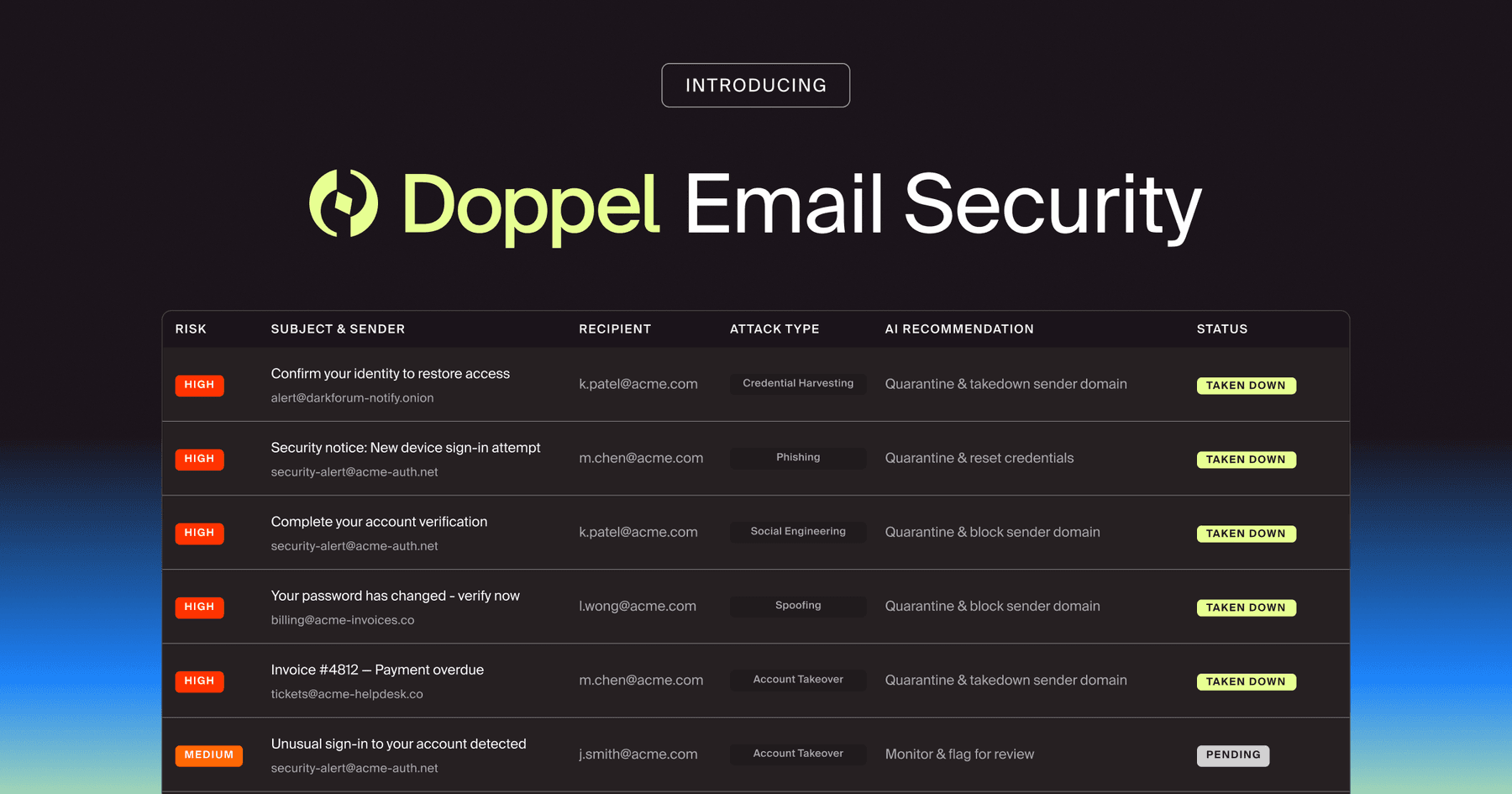
Doppel Email Security is now generally available
The agentic email security solution that empowers you to fight back against social engineering attacks. Detection isn't enough. Disruption is the difference.
Stop SaaS-orchestrated phishing. See how attackers weaponize Canva and DocHub to bypass SEGs and how Unified SED dismantles high-trust attacks quickly.

by Aarsh Jawa
Your Secure Email Gateway (SEG) is built on a fundamental law: Trust the reputable.
When an email arrives from Google.com, Canva.com, or Dochub.com, your security stack sees a 100% pass rate on SPF, DKIM, and DMARC. It sees a domain with a massive reputation score. It seems clean, right?
But for a modern attacker, these trusted SaaS platforms are the ultimate delivery vehicle. By weaponizing the built-in sharing and notification features of legitimate collaboration apps, threat actors have found a way to ride the rails of your most trusted services to deliver malicious payloads directly to your inbox.
In this blog, we’ll break down the shift from spoofed domains to abuse" infrastructure and why a Unified Social Engineering Defense (SED) is the only way to stop technically perfect attacks.
Traditional phishing relies on look-alike domains (e.g., d0chub.com). These are increasingly easy for modern filters to catch.
The new wave of SaaS-orchestrated phishing is different: The attacker never sends the email. The platform sends it for them. Here’s how it works.
1. Create the Payload
The attacker creates a legitimate account on a service like Canva, DocHub, Google Docs, or Notion. They design a document that looks like an internal invoice, a new HR policy, or a mandatory signature request.
2. The “Share” Feature
Instead of downloading the file and emailing it, the attacker uses the platform’s "Share" or "Invite to Edit" feature. They enter the victim's email address and click "Send."
3. The (Seemingly) Clean Notification
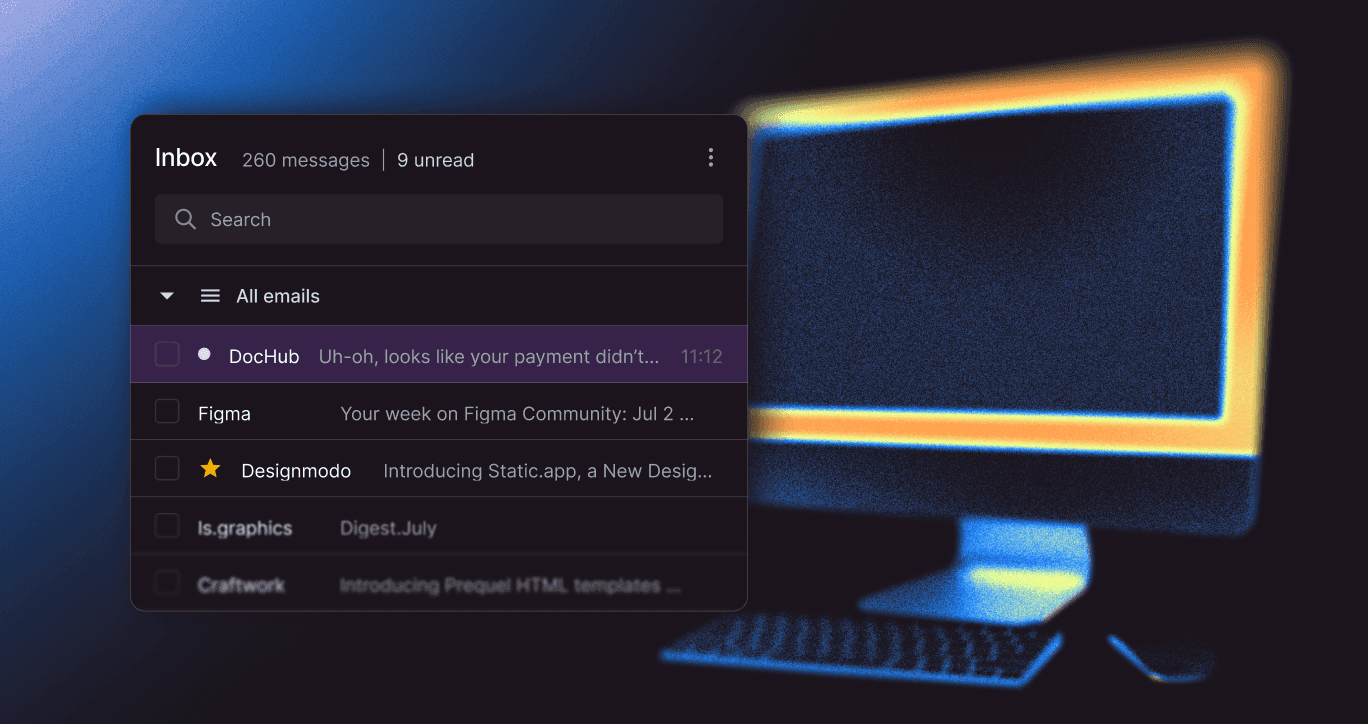
The victim receives a notification email.
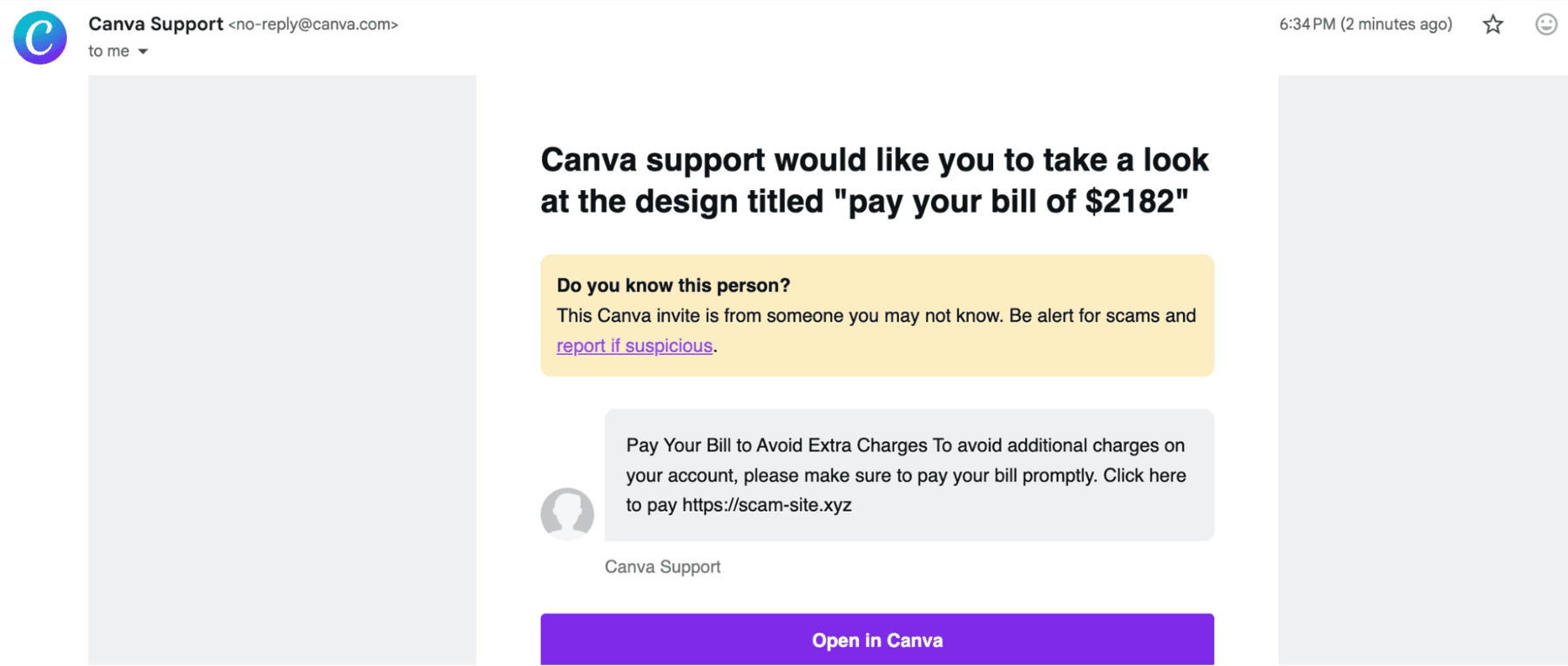
Because the email is legitimately generated by the SaaS platform's own servers, it bypasses almost every traditional phishing detection mechanism.
Attackers are taking advantage of human trust, not just your technical controls. Here are a few reasons why this works and how attackers do it.
The Psychology of Brand Impersonation
Attackers use display name manipulation to increase urgency. A victim doesn't see a random email; they see:
"HR {Your Company Name} via DocHub"
Subject: ACTION NEEDED: Sign ASAP to complete the process

By the time the user clicks "view document," they have already seen two layers of trust: a recognized brand name and a trusted SaaS domain.
Hidden Malicious Links
Legacy SEGs scan the email for malicious links. In this scenario, the email contains a link to a legitimate Canva design or Google Doc.
The actual phishing link (hosted on Firebase, Google Cloud Storage, or Netlify) is buried inside that document. This two-stage jump makes it invisible to standard gateway crawlers.
Digital Risk Protection (DRP) on its own is siloed and reactive . If you are waiting for a domain to be flagged as malicious to block it, you’ve already lost the race. Here’s why:
To stop SaaS abuse, you need to fight AI with AI. Here’s how.
The Doppel Moat: Velocity, Volume, and Variety
To defend against the clean domain paradox, your security teams must move from alert-centric to outcome-centric defense. Here are 3 essentials for success.
It’s a hard truth, but attackers have figured out that the best way to get past your security is to use the tools your employees already trust.
And it works. By abusing the trustworthiness of companies like Google and Canva, they have achieved a 95% drop in the cost of a successful breach.
Don’t let them get any further.
Schedule a demo to see how Doppel’s AI-native Social Engineering Defense platform unifies DRP and HRM to stop SaaS-orchestrated attacks before they scale.
BLOG
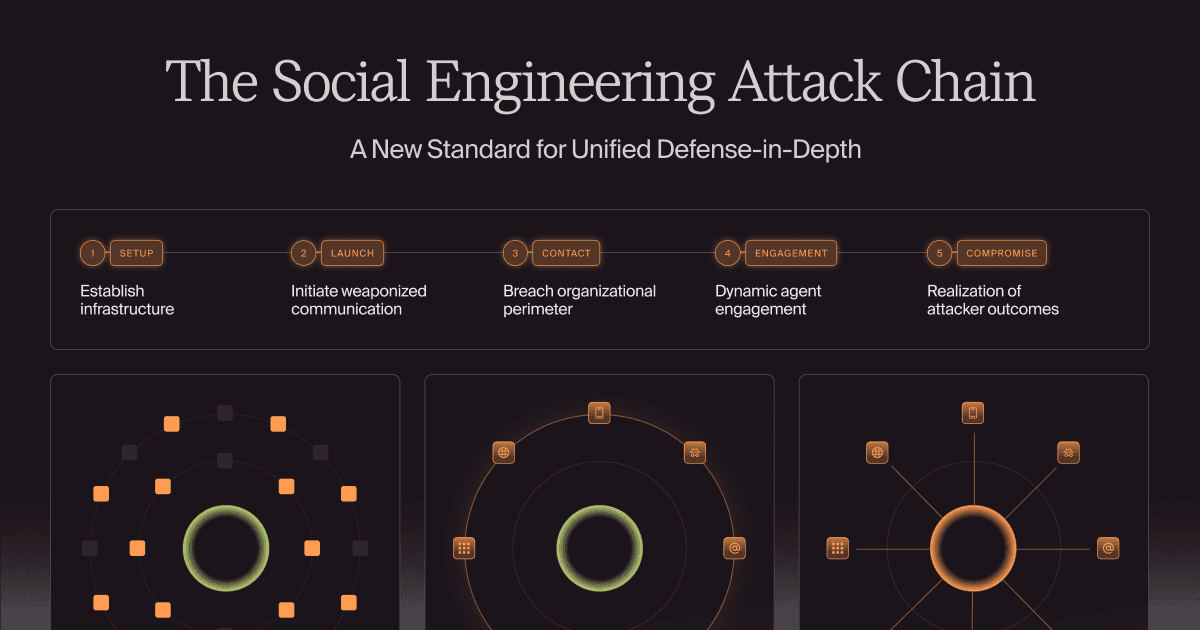
Modern social engineering is a relentless, AI-orchestrated lifecycle. Learn how to map the five-stage attack chain—from setup to contact—and why a unified defense platform is the only way to outpace AI-driven social engineering attacks.



by Bobby Ford, Rahul Madduluri, and Alvin Lin