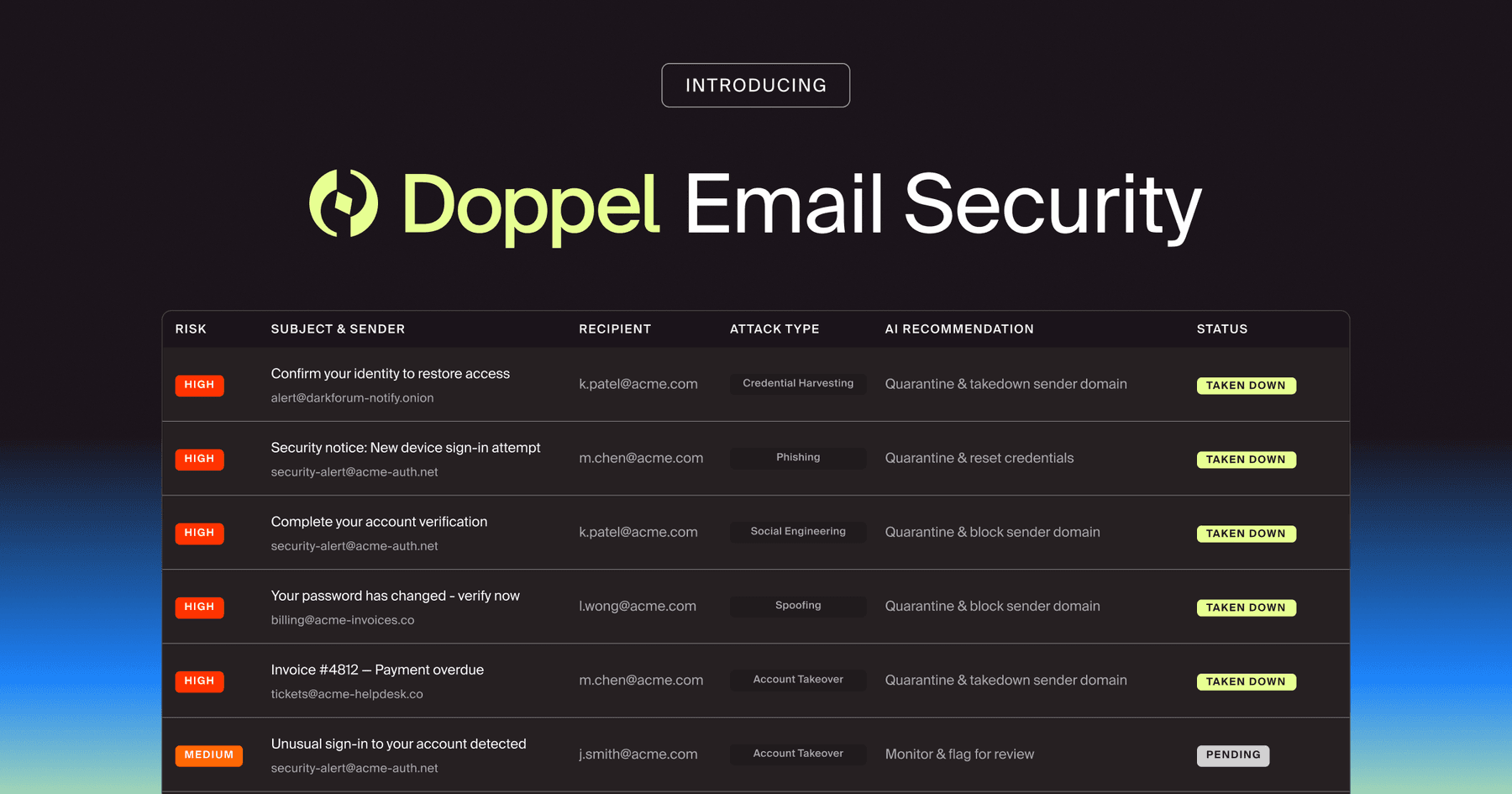
Doppel Email Security is now generally available
The agentic email security solution that empowers you to fight back against social engineering attacks. Detection isn't enough. Disruption is the difference.
Typos and bad grammar are in the past. Learn the new indicators your security team should train users to spot.
Remember the ‘bad guy’ from your security awareness training video?
You know the one. He’s sitting in a dark, unlit basement. He’s wearing a black hoodie, furiously typing on a glowing green screen terminal while sinister electronic music plays in the background.
In that video, this mastermind was incredibly dangerous, yet incapable of spelling the word “urgent.”
Spotting a phishing email used to be a simple exercise. You just looked for glaring typos, hovered over a chaotic URL, laughed at the horrific formatting, and reported it to IT.
This isn’t what a phishing attack looks like in 2026. The ‘bad guy’ has been replaced (opens in new tab) by a cold, calculating, and highly articulate large language model (LLM).
Generative AI has solved the cybercriminal’s biggest hurdle: sounding fluent, coherent, and contextually aware. Threat actors are deploying highly automated, AI-driven syndicates capable of generating flawless, hyper-personalized lures at an infinite scale.
If your training still warns to “look out for bad grammar,” you’re set up to fail.
The standard, text-based indicators of a phishing email are gone. Security teams need to upgrade their playbooks and stop training users to look for typos.
Right now, training needs to help identify subtle contextual anomalies and psychological manipulation.
Here’s how AI has rewritten the rules of phishing, and the new indicators you need to look for.
Unlearn everything you know about traditional phishing emails.
Every security leader spent years building filters and training programs designed to catch human errors. But AI doesn’t make human errors. Generative models act as a force multiplier for threat actors, allowing them to bypass legacy indicators with ease.
Here’s why your security awareness training is obsolete:
In the past, a fake email sounded a little off. It was too stiff or too aggressive. Now, an attacker feeds a generative model samples of an executive's public-facing communication, and the AI perfectly mimics tone, cadence, and even sign-off phrases.
If the spelling is perfect and the personalization is highly accurate, how do you catch the phishing email?
Shift your focus from the text itself to the context surrounding the text. AI is brilliant at generating language, but it still struggles with the nuanced reality of how your specific organization operates.
Here are the new, subtle indicators of an AI-generated phishing campaign that security teams need to train their workforce to spot:
AI models are highly confident, but they’re also notorious for connecting the wrong dots. They suffer from hallucinations (opens in new tab).
When an attacker uses an LLM to scrape the web and draft an email, AI might combine two real but entirely unrelated pieces of information. The email might confidently reference a real internal project, but attribute it to the wrong department. It might mention a software vendor your company uses, but reference a product tier you don't subscribe to.
Employees should look for these subtle contextual misses. If the email sounds incredibly confident but the operational details are slightly out of bounds, it’s likely an AI hallucination.
Sometimes, an email fails the eye test because it’s too perfect.
Real corporate communication is messy. People use chaotic shorthand. They forget to attach files. They send one-line responses with typos because they are typing with one thumb while holding a coffee.
AI-generated emails often fall into an uncanny valley (opens in new tab). They don't sound robotic, but they lack the sender's usual human friction. If a notoriously brief executive suddenly sends a beautifully structured, three-paragraph exposition with perfect punctuation and zero typos, that sudden shift in behavioral baseline is a massive red flag.
Traditional phishing relied on generic threats: "Your account will be suspended in 24 hours." AI-generated phishing uses hyper-specific, news-driven urgency.
Attackers program their LLMs to monitor major tech news or industry regulations. If a major cloud provider experiences an outage on a Tuesday, AI will automatically generate and send a highly plausible email on Wednesday.
It’ll read: "Due to yesterday's widely reported AWS outage, please run this specific IT patch immediately to restore your database access." It uses real-world, highly relevant context to manufacture panic and bypass critical thinking.
Social engineering isn’t limited to one channel. Attackers now go far beyond the inbox, with AI syndicates coordinating multi-channel campaigns to build artificial credibility.
An AI-generated phishing email will often reference a secondary channel to prime the victim. The email might state: "I just pinged you on Microsoft Teams about this wire transfer," or "You will receive an SMS verification code from IT in exactly two minutes."
To harden your human perimeter against this evolved threat, understand the stark contrast between the old world and this new reality.
Legacy Phishing | AI-Generated Phishing | |
Grammar & Spelling | Riddled with obvious typos and broken syntax | Flawless syntax, perfect spelling, and polished formatting |
Personalization | Generic greetings and broad messaging | Hyper-specific details, like job title, manager’s name, or recent projects |
Contextual Relevance | Vague threats that apply to anyone on the internet | Highly relevant references to current corporate events or industry news |
Behavioral Tone | Stiff, unnatural, or overly aggressive | Perfectly mimicked tone matching the sender’s actual communication style |
Primary Detection Method | Legacy spam filters catching known bad domains and spelling anomalies | Contextual analysis and strict out-of-band verification by the end user |
You can’t spot a highly sophisticated, AI-driven attack if you’re only trained with obvious, poorly constructed fakes.
Security leaders, take note: It’s time to completely overhaul your phishing simulations.
Running attack simulations with glaring typos and generic lures actually hurts your organization. When an employee easily spots a fake FedEx delivery email riddled with spelling errors, they feel secure. They assume they know exactly what a hacker looks like.
You’re giving them a dangerous false sense of security.
Security teams should use an agentic AI-native platform, like Doppel, to generate safe, hyper-realistic simulations. Your employees need to experience flawless, context-heavy lures in a controlled environment. They need to see exactly how an AI can weaponize their own LinkedIn profile against them.
The goal of modern security training is to build a verification reflex.
Train your workforce to implement strict, non-negotiable out-of-band verification. If an email requests a password reset, a change in payment routing, or an unusual download, the employee should pause. They should pick up the phone, call the sender at a known, verified internal number, or walk over to their desk.
The reality of today’s threat landscape is harsh: You can’t ask your employees to manually outsmart an automated, AI-driven syndicate using a mental checklist of red flags. The volume is too high, and the lures are too good.
To actually protect the inbox, you have to fight AI with AI.
The objective needs to be disruption at the source. This architectural difference drives Doppel's approach to social engineering defense.
When a malicious email lands, traditional email security tools might scan the message, quarantine it, and call it a day. The campaign stays live on the web, and the attacker simply tries again.
Doppel’s agentic email security operates differently. Our detection is driven by reasoning-based AI agents guided by flexible natural language policies and traces every suspicious message straight back to the external attack infrastructure behind it.
The platform looks beyond the flawless grammar to investigate lookalike domains, fake social media profiles, and broader campaign staging grounds. When a threat is verified, Doppel doesn't just drop the email in a junk folder. We execute machine-speed, multi-channel takedowns to disrupt the sending infrastructure entirely.
By burning the attacker's infrastructure to the ground, we ensure that the same campaign cannot simply pivot and retarget another employee downstream.
The basement hacker with the bad grammar is gone. The generative AI era of cybercrime has arrived. Stop looking for typos, and arm your organization with agentic defense to fight back.
Are you ready to stop fighting AI-driven phishing with legacy tools? Get a demo to see how Doppel’s agentic email security and multi-channel takedowns disrupt attackers at the source.
BLOG
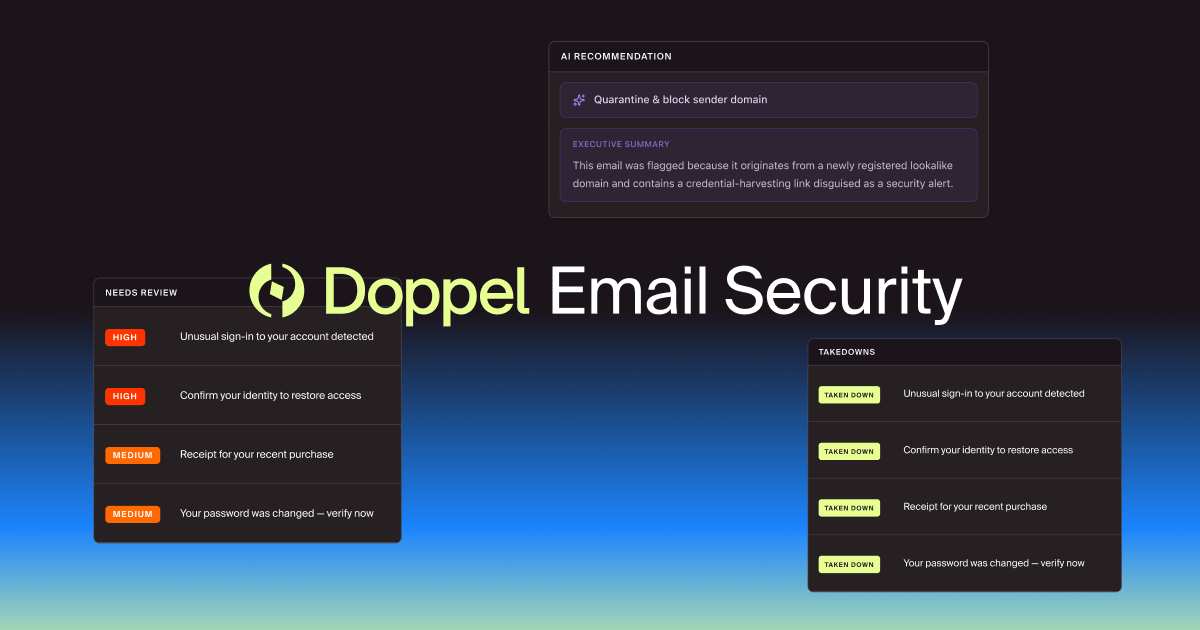
Detection isn't enough. Disruption is the difference. Meet Doppel Email Security: the most advanced agentic solution that progresses beyond blackbox ML and whitebox rule-based systems to detect, investigate, and disrupt social engineering campaigns end-to-end.


by Kevin Tian and Rahul Madduluri