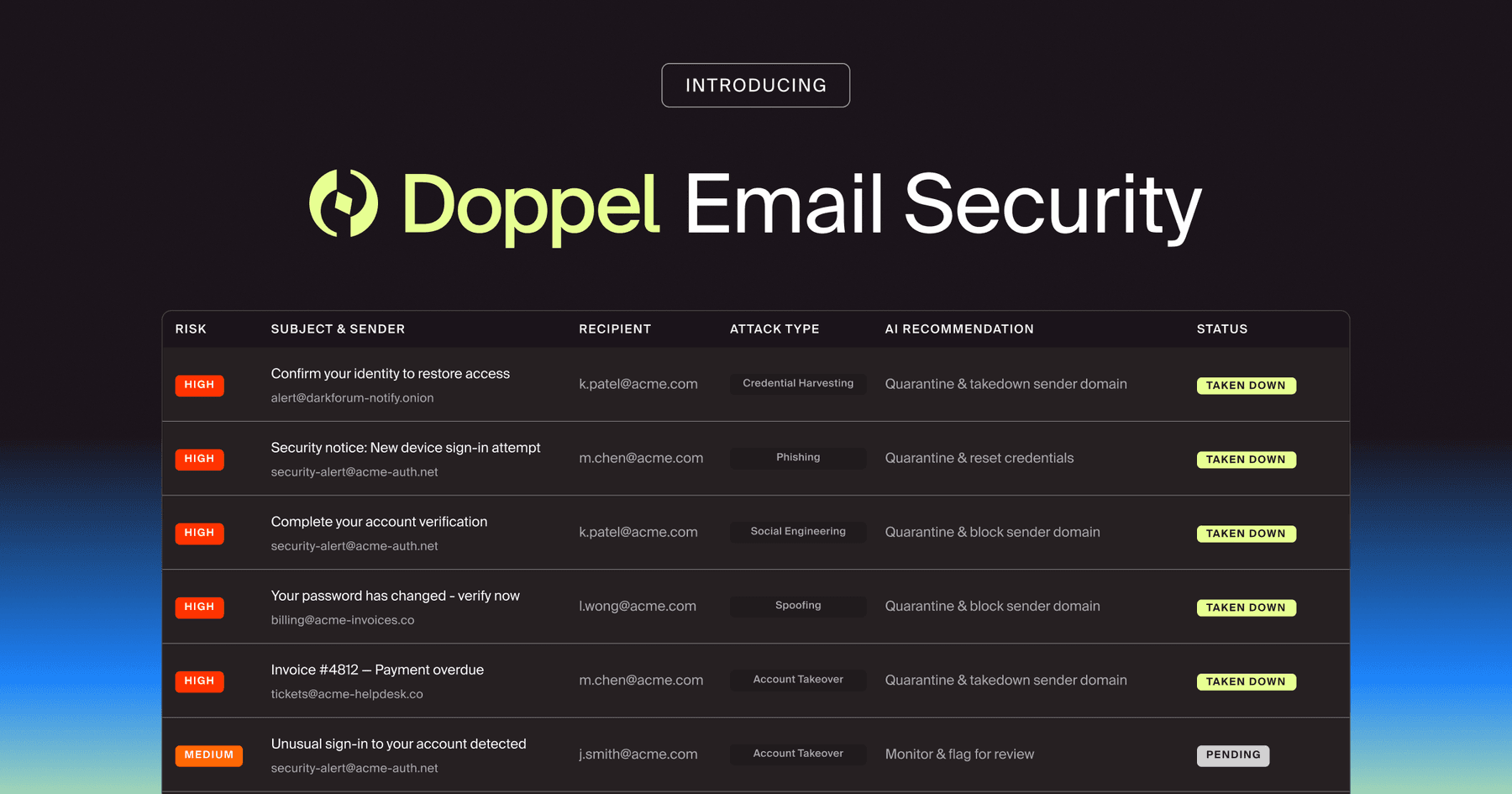
Doppel Email Security is now generally available
The agentic email security solution that empowers you to fight back against social engineering attacks. Detection isn't enough. Disruption is the difference.
Microsoft Teams intrusion is increasing as attackers use social engineering to breach
Don’t click the link.
This strategy makes sense when the primary attack vector is a malicious payload delivered directly to an inbox. But the perimeter has changed.
What if it’s a conversation, not a link, that’s compromised?
Attackers now walk through the front door using the platforms employees trust most.
In April 2026, threat intelligence highlighted that adversaries are abusing Microsoft Teams (opens in new tab) to launch sophisticated social engineering attacks.
Impersonating IT and help desk personnel, they initiate chats with unsuspecting employees and manipulate them into granting remote desktop access.
The payload isn’t a link. The payload is the dialogue — and that’s why we’re seeing conversational social engineering rising.
Security leaders, take note. There’s a transition your entire workforce needs to take, shifting from a ‘Don’t Click’ mindset to ‘Don’t Comply’ posture.
Microsoft Teams has over 320 million users worldwide (opens in new tab). It’s where decisions are made, files are shared, and urgent problems are resolved.
This is why employees operate with a high degree of implicit trust when using the platform.
If a message pops up in Teams, the psychological assumption is that it’s already been vetted by the organization’s technical controls.
Threat actors are weaponizing this exact blind spot.
Attackers can initiate contact from outside the organization, masquerading as internal IT support, by abusing Teams’ external collaboration features. They use convincing profile pictures, authoritative display names, and an empathetic tone to establish immediate credibility.
And because the interaction occurs within a trusted application, traditional security monitoring tools are blind to the intrusion. The attacker is sending plain text, after all.
There’s no malware to quarantine. There’s no malicious domain to block. It’s just two people having a conversation.
Microsoft’s threat intelligence repor (opens in new tab)t outlines a highly coordinated, human-operated intrusion lifecycle.
Here’s how the Microsoft Teams attack unfolds step-by-step:
Throughout this entire intrusion chain, the attackers blend into routine, expected enterprise activity.
The risk is introduced the moment the user voluntarily complies with a conversational request, not by any particular technical exploit.
Microsoft Teams attacks illustrate why legacy security awareness training (SAT) and phishing simulations collapse in 2026.
Ask this question: Does your security program rely exclusively on sending fake phishing emails with obvious typos and suspicious URLs?
If so, your employees are unprepared for a live, interactive conversation with a cybercriminal.
Area | Legacy Email Phishing | Conversational Social Engineering |
Lure | Static, one-way communication (email) | Dynamic, real-time dialogue (Microsoft Teams chat) |
Payload | A malicious link or macro-enabled file attachment | A conversational request to perform an action, such as granting remote desktop access |
Urgency | Artificial and rushed; “click this within 24 hours” | Methodical and helpful; “let me take a look at your screen to fix this” |
Technical Visibility | High; secure email gateways easily flag known bad domains and malware | Low; the communication channel is trusted, and the tools used are legitimate |
Required Defense | Teaching employees to spot visual anomalies | Teaching employees strict out-of-band verification protocols |
When an employee is trained only to look for malicious links, they’re defenseless. They don’t know how to react when a helpful ‘IT agent’ asks them to simply approve a remote assistance prompt.
Only an AI-native social engineering defense (SED) platform, like Doppel, positions you to win this conversational war.
Threat actors are channel-agnostic. Sure, they still use the inbox. But if they can reach your employees via Microsoft Teams, Zoom, SMS, or Telegram, they’ll gladly exploit those channels (which they do).
You can’t build resilience without a multi-channel human risk management (HRM) strategy.
Want your workforce to confidently reject a fraudulent IT request on Microsoft Teams? You have to practice that exact scenario.
Deploy conversational simulations. These exercises force employees to navigate real-time dialogue and assess the validity of the request. It teaches them to refuse to comply without out-of-band verification.
The idea is to build muscle memory, so that employees understand trust is verified regardless of the platform where a conversation takes place.
When an employee experiences the psychological manipulation of a simulated Teams attack, they’re more prepared to identify and report the real thing.
CISOs, security leaders, and their teams need SED that integrates continuous, multi-channel simulations with proactive, automated threat remediation.
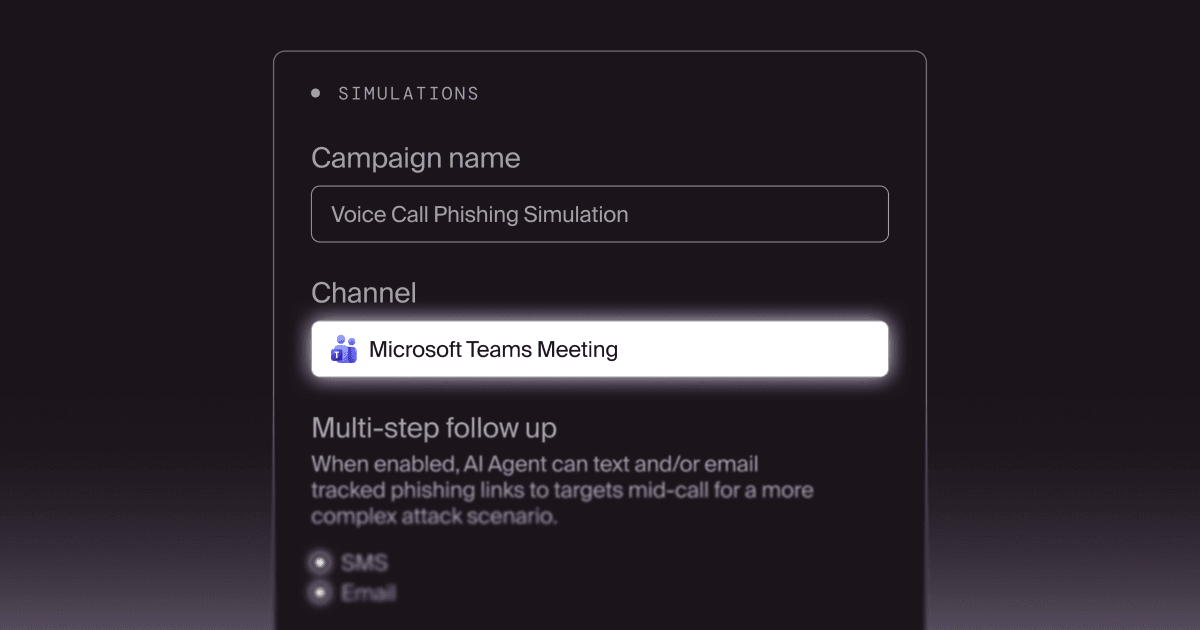
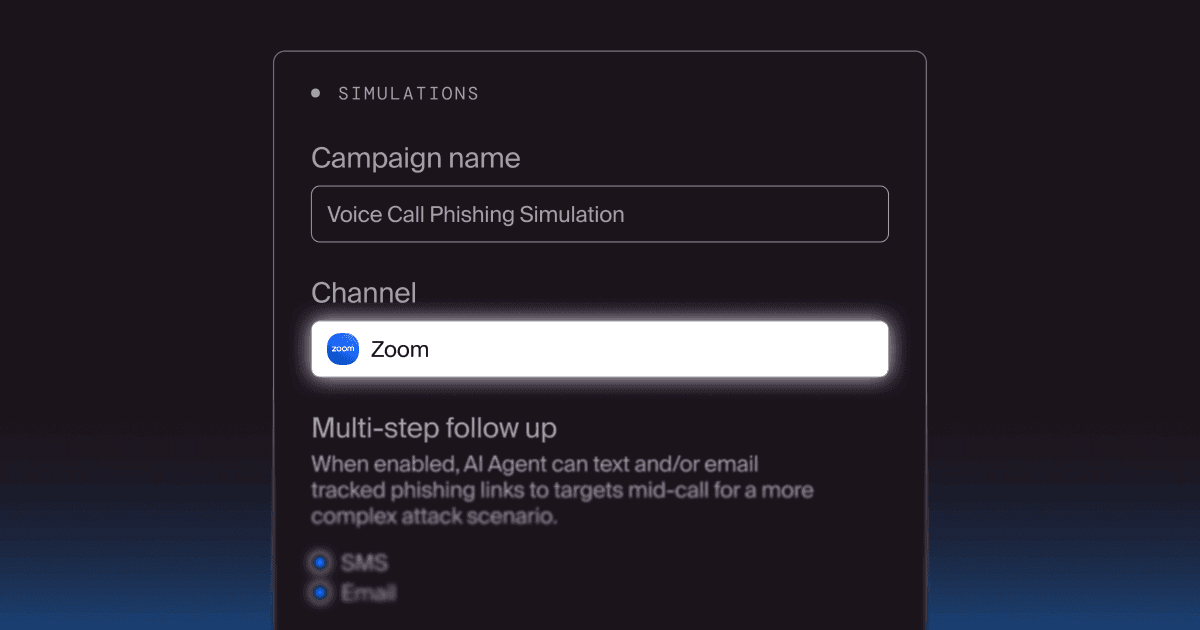
Doppel’s AI-native SED platform empowers you to run highly sophisticated, conversational simulations. These scenarios mirror the exact tactics used by adversaries in 2026. You expose your workforce to interactive, dialogue-based scenarios and build employees’ behavioral resilience to stop impersonation in its tracks.
But there’s more than simulations. Doppel monitors and defends the collaboration channels you rely on. Our integration with Microsoft Teams elevates your digital risk protection (DRP) by identifying and neutralizing threats before they escalate.
Here’s how Doppel secures your collaboration ecosystem:
Threat actors have realized this: It’s far easier to hack a human conversation than a corporate firewall.
In 2026, yes, you should still prepare employees to avoid clicking malicious links. But there’s a much bigger challenge in front of them: conversations.
As adversaries continue to weaponize platforms like Microsoft Teams, you can’t afford to treat communication channels outside email as an afterthought. You need to roll out conversational simulations and deploy active DRP across all collaboration tools.
By overhauling your defense strategy, you ensure that employees remain your strongest line of defense.
Are your employees prepared to identify a social engineering attack on Microsoft Teams? Go inside Doppel to see how our conversational simulations and automated takedowns secure your collaboration ecosystem.