

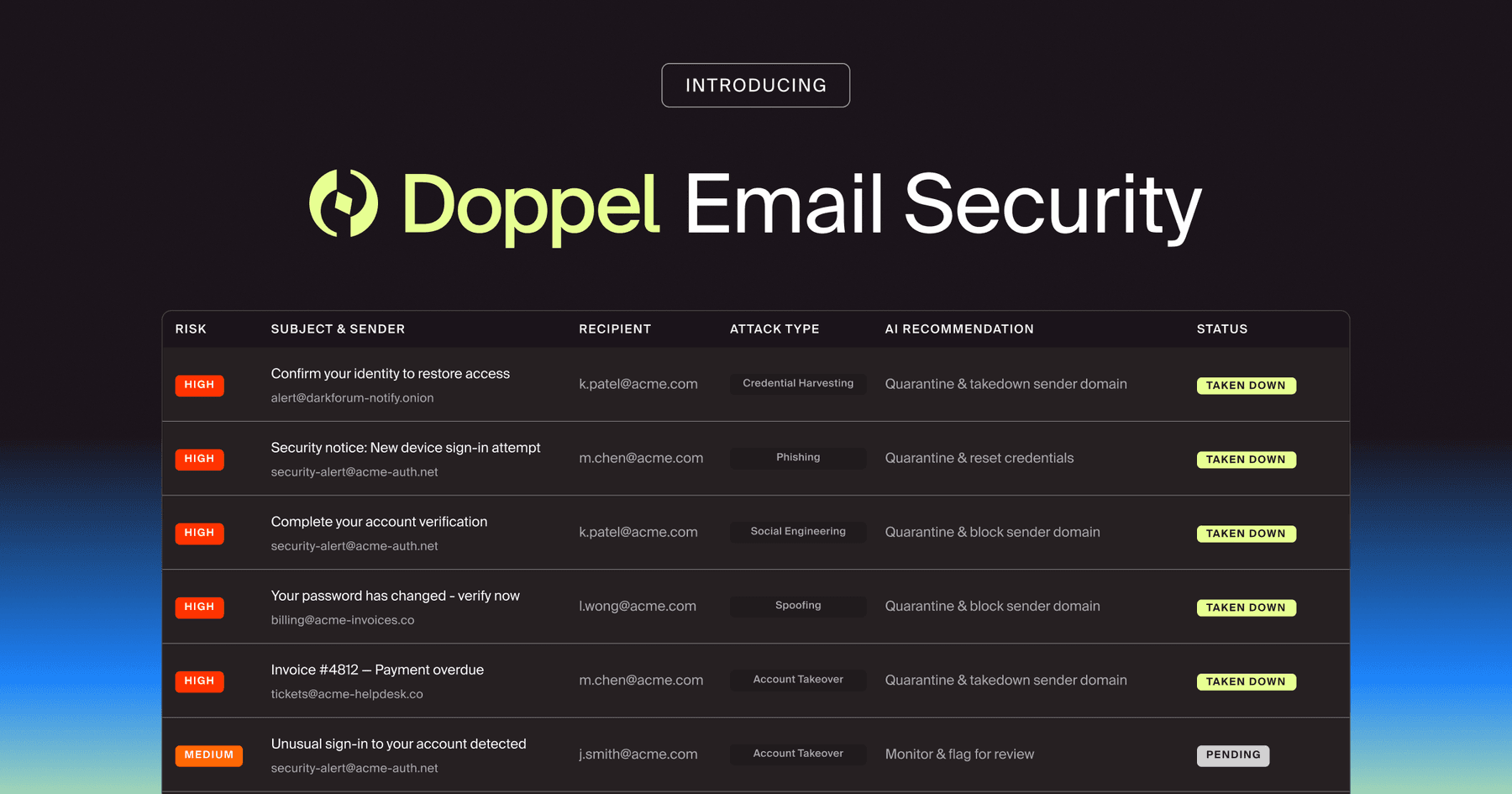
Workflow automation is the use of rules, triggers, and integrations to move work from “someone should handle this” to “this is assigned, tracked, and completed” with minimal manual effort. It turns repeatable steps, like triage, approvals, routing, and follow-ups, into a consistent process that runs the same way every time.
Workflow automation matters for brand and digital risk protection because the work is ongoing, and attacker infrastructure changes quickly. Platforms use AI-driven threat monitoring to surface impersonation activity at scale. Teams only get value when those findings become actions, meaning routing to the right owner, documenting decisions, tracking takedowns, and closing the loop on outcomes.
Key Takeaways
- Workflow automation turns external impersonation findings into repeatable actions.
- It helps teams scale response volume without adding headcount by standardizing triage and routing.
- The best workflows connect detection to outcomes, like time to takedown, reduced fraud losses, and fewer scam-driven support contacts.
- Automation is most effective when it includes guardrails for quality, escalation, and human review for high-risk cases.
- Workflow automation ties together monitoring, clustering, response tracking, and behavior change.
What Does Workflow Automation Mean in a Brand Protection Program?
Workflow automation in brand protection is not “automate everything.” It is “automate the predictable steps so people spend time on judgment calls.” The goal is consistent handling of high-volume, fast-changing external abuse.
What Types of Work Should be Automated First?
Start with tasks that are frequent, rules-based, and easy to standardize:
- Intake and enrichment: attach evidence, capture screenshots, resolve redirects, tag the channel (social, SMS, web, app store, voice).
- Classification: identify likely scam type (fake support, credential theft, refund scam, delivery lure, payroll diversion).
- Routing: send to the correct queue (brand protection, fraud ops, security, legal, customer support leadership).
- Tracking: assign an owner, set SLAs, and monitor status changes from “new” to “in progress” to “closed.”
- Reporting: roll up weekly metrics without having to rebuild a spreadsheet.
In practice, teams achieve quick wins by automating workflows, the repetitive parts that consume time but do not require deep expertise.
How is this Different from Basic Alerting or Ticketing?
Alerting says “something happened.” Ticketing says “someone owns it.” Workflow automation says, “Here is the defined sequence of steps, with conditions, checks, and escalation paths.” A simple example: A lookalike domain is detected; alerting sends a message; ticketing creates a case. Workflow automation also:
- Checks whether the domain is already part of a known cluster,
- Pulls related social handles and landing pages,
- Assigns severity based on brand similarity plus victim funnel indicators,
- Routes to takedown tracking, and
- Aets an escalation rule if the site collects credentials or payment details.
That’s the difference between noise and an operational response process.
Where Does Doppel Fit in this Definition?
Doppel’s core value is external visibility into brand impersonation and social engineering infrastructure. Findings often come in waves. A single campaign can include fake social profiles, a lookalike site, SMS lures, and spoofed numbers or other voice-based lures.
Workflow automation is the connective tissue that turns those findings into a repeatable response cycle. That includes clustering related artifacts, assigning ownership, tracking takedown requests, and recording what worked so the next wave is handled faster. A relevant internal concept to connect here is digital risk protection, and how it becomes operational when the response is structured rather than ad hoc.
Why Does Workflow Automation Matter for Customers?
Most teams are not short on “things to investigate.” They are short on time, coordination, and consistent follow-through. Workflow automation matters because brand impersonation response is operational work, not a one-off incident.
Why is Manual Response a Losing Strategy Right Now?
Modern impersonation campaigns are built to scale. Attackers use AI to generate convincing copy, localized landing pages, and realistic scripts. They rotate domains quickly. They move victims across channels fast.
One realistic flow looks like this:
- A victim receives an SMS about a “delivery problem.”
- The link opens a lookalike login page that steals credentials. It’s what external scam website monitoring is meant to catch early, before the infrastructure fans out across more channels.
- A victim is told to call “support” to resolve the issue.
- The caller hears a convincing, scripted agent, sometimes with spoofed audio cues.
- The scammer walks the victim through account recovery, then pivots into refund abuse or card verification.
If a team relies on inbox triage and spreadsheets, the response will lag the campaign. Workflow automation reduces the delay between detection and takedown action.
What Outcomes Should Automation Improve?
If workflow automation is working, leadership should see movement in business-relevant metrics, not just “more cases created.” Automation matters when it reliably improves outcomes.
Examples that map cleanly to Doppel’s use cases:
- Faster triage and takedown times for high-risk impersonation infrastructure.
- Lower fraud losses, chargebacks, and refund abuse tied to impersonation campaigns.
- Reduced scam-driven contacts into customer support and contact centers.
- Fewer successful account takeovers that start with brand impersonation lures.
- Better completion rates of secure flows, like verified callbacks and trusted support channels.
Why is Automation Essential for Cross-Team Coordination?
Brand impersonation touches multiple teams. Security sees risk. Fraud teams see losses. Marketing sees reputation damage. Support sees spikes in volume and angry customers.
Automation creates a shared operating model: defined owners, defined handoffs, and defined escalation. That is especially important when a campaign spans multiple channels and the organization needs a single, clear picture of what is happening. In practice, social engineering defense involves coordination across teams to ensure response decisions are consistent and repeatable.
How Does Workflow Automation Work End-to-End?
Workflow automation should be designed around the lifecycle of an impersonation case, from intake to closure to learning. The best designs assume high volume and messy data, then add structure.
What are the Core Building Blocks of an Automation Workflow?
Most effective workflows include:
- Triggers: what starts the workflow (new finding, new cluster, escalation threshold).
- Rules and scoring: severity logic based on brand similarity, victim funnel signals, and exposure, grounded in external cyber threat intelligence (CTI).
- Tasks and owners: assignments that match how your organization actually works.
- Escalation: timers that force attention when risk is high.
- Integrations: case tools, takedown partners, internal comms, and evidence storage.
- Audit trail: a clear record of what happened and why.
How Does Clustering Change the Workflow?
In an impersonation response, the unit of work is often a campaign. A fake domain, a set of social handles, and a daily-changing landing page might all be part of the same operation. Clustering makes workflow automation smarter by enabling routing and prioritization at the campaign level. If a new handle appears that matches an existing cluster, automation can:
- Attach it to the existing case,
- Inherit severity and owners,
- Reuse the same takedown playbook, and
- Update metrics without duplicating effort.
That avoids the “one alert equals one case” trap that inflates volume and hides patterns.
How Should Teams Handle High-Risk Edge Cases?
Automation should include stop signs. Not everything should be “auto-close” or “auto-submit.”
Examples of cases that should trigger human review:
- Suspected deepfake or spoofed audio tied to executive impersonation,
- Targeting of finance or payroll processes,
- Scams abusing account recovery flows or verified support channels,
- High-velocity campaigns that show signs of rapid scaling.
In these cases, the workflow should escalate to the right stakeholders and attach the evidence needed to make a decision quickly. Automation helps by packaging context and intent.
What are the Common Mistakes to Avoid?
Workflow automation fails when built as a generic productivity project rather than as a threat-response capability. The mistakes are predictable.
Mistake 1: Automating Noise instead of Decisions
If the workflow starts with weak signals, automation just accelerates chaos. Teams end up with thousands of cases that no one trusts.
- Fix: define what “actionable” means. Tie severity to concrete signals like credential collection, payment prompts, brand similarity, and campaign velocity. Make the first step of automation about evidence and classification, not escalation.
Mistake 2: Treating all Channels the Same
Brand impersonation does not behave the same way across web, social, SMS, app stores, and voice. A workflow that ignores channel differences will misroute work and miss urgency.
- Fix: build channel-aware branching. For example, scam websites that collect credentials should route differently from fake social support accounts that coach victims into a callback scam. Keep test activity separate from real findings. If you run external digital risk testing or validation checks, label them clearly so they don’t pollute response metrics or trigger unnecessary escalations.
Mistake 3: Measuring Vanity Metrics
Raw volume is not success. “We processed 10,000 findings” can hide the fact that takedowns are slow and fraud losses are rising.
- Fix: measure what leaders care about. Time to triage, time to takedown, repeat offender clusters, support deflection, and confirmed fraud reduction. If your workflow can’t show cause-and-effect, it is busywork.
Mistake 4: Copying Internal-Only Tooling Assumptions
Traditional programs often focus on internal phishing and email. Brand impersonation is external and multi-channel. Internal SOAR-style workflows can miss the reality of attacker infrastructure that lives outside corporate networks.
- Fix: design the workflow around external artifacts and victim-facing funnels. Then connect it to internal behavior change where it matters. If you are framing people-side response, anchor it in human risk management as an overlay discipline that connects external scam patterns to internal training, scripts, and process changes.
How Should Teams Think about Workflow Automation Going Forward?
Workflow automation isn’t a “nice-to-have” feature. It’s how a brand protection program survives real volume. When impersonation findings become repeatable workflows, teams move faster, make fewer mistakes, and scale response without hiring their way out. Done right, workflow automation turns external visibility into operational outcomes. It shortens the time to takedown and helps prevent the same fraudulent campaign from succeeding twice. In Doppel’s context, workflow automation is the mechanism that enables external detection operations, turning detection into action.
Frequently Asked Questions
Is workflow automation the same as SOAR?
Not exactly. SOAR is typically built around internal security operations and standardized alert types. Workflow automation for brand impersonation is external-first, multi-channel, and focused on takedown tracking, routing, and campaign-level coordination.
What should be automated and what should be kept manual?
Automate repeatable steps like enrichment, tagging, routing, and status tracking. Keep human review for high-risk cases such as executive impersonation, deepfake-enabled vishing, and scams that abuse account recovery or payment flows.
How does workflow automation reduce customer support volume?
It speeds up identification and takedown of impersonation infrastructure and standardizes escalation. That reduces the time scams stay live, which reduces the number of victims who reach out to support after being misled.
What metrics best show workflow automation is working?
Time to triage, time to takedown, backlog size by severity, repeat campaign recurrence, and support deflection are strong indicators. Where possible, tie high-severity clusters to fraud loss reduction or fewer account takeovers linked to impersonation lures.
How does workflow automation help with takedown programs?
It creates a consistent chain of custody. Evidence capture, approvals, partner routing, and status updates occur within a single trackable process. A key link in this lifecycle is tracking scam website takedowns, so teams can demonstrate progress and identify recurring infrastructure.